7 Best Healthcare Document Management Systems (2026 Ranked)
Table of Contents
- Compare the 7 Best Healthcare Document Management Systems: At a Glance
- 1. Onymos: Best for Diagnostic & Clinical Labs (Intake-to-Billing Automation)
- 2. DocuWare: Best for Mid-to-Large Healthcare Organizations
- 3. M-Files: Best for Metadata-Driven Healthcare Document Management
- 4. FileHold: Best for Scalable Document Storage with Version Control
- 5. Concord: Best for Contract-Heavy Healthcare Organizations
- 6. Laserfiche: Best for Enterprise Healthcare Records Management
- 7. Hyland OnBase: Best for Deep EHR/EMR Integration
- How to Choose the Best Healthcare Document Management Software
- Reduce Manual Healthcare Paperwork With Onymos
Need a custom demo?
Use your own workflow and see where DocKnow can reduce manual work.
Get your demoKey Takeaways
- Onymos DocKnow is the best healthcare document management software for diagnostic and clinical labs that need to automate intake, eliminate errors before they hit billing, and keep all data inside their own infrastructure.
- DocuWare is a strong pick for mid-to-large health systems that need end-to-end document workflow automation.
- M-Files suits enterprise healthcare organizations with complex metadata requirements and existing legacy systems.
- Hyland OnBase is the go-to for large health networks that are deeply embedded in Epic or Cerner and need heavy-duty EHR/EMR integration.
Every healthcare organization is drowning in a mountain of paperwork. Test requisition forms, insurance cards, patient records, remittance advice, denial letters. The volume never stops growing.
When that documentation chain breaks, the financial hit is immediate: claims get denied, reimbursements are delayed, and compliance risk compounds.
The right healthcare document management system turns that chaos into a clean, connected data pipeline.
Here are the best healthcare document management systems that turn chaos into a clean, connected data pipeline, from AI-powered lab-specific platforms to enterprise-grade document storage solutions.
Compare the 7 Best Healthcare Document Management Systems: At a Glance
| Tool | Best For | Standout Feature | Starting Price |
|---|---|---|---|
| Onymos | Diagnostic & clinical labs needing full intake-to-billing automation | No-Data Architecture; SmartSync AI reconciliation | Custom (contact sales) |
| DocuWare | Mid-to-large healthcare orgs automating document workflows | Workflow automation + document capture | Starting at $25-$100/month; enterprise pricing available |
| M-Files | Healthcare systems needing metadata-based retrieval | Metadata-based organization across existing systems | Custom pricing |
| FileHold | Scalable document storage with version control | Version control + HIPAA-compliant storage | Custom pricing |
| Concord | Contract-heavy healthcare organizations | HIPAA-compliant contract lifecycle management | Starting at $499/month to $1,299/month |
| Laserfiche | Enterprise healthcare records management | ECM + BPM for complex document workflows | Custom pricing |
| Hyland OnBase | Large health systems with legacy integrations | Deep EHR/EMR integrations (Epic, Cerner) | Custom pricing |
If you’re running a diagnostic or clinical laboratory, none of the general-purpose tools above are purpose-built for your workflows. Onymos is the only platform designed specifically for lab accessioning, test requisition form processing, and RCM enablement.
See how Onymos eliminates intake errors before they become revenue loss.
→ Request a demo
1. Onymos: Best for Diagnostic & Clinical Labs (Intake-to-Billing Automation)
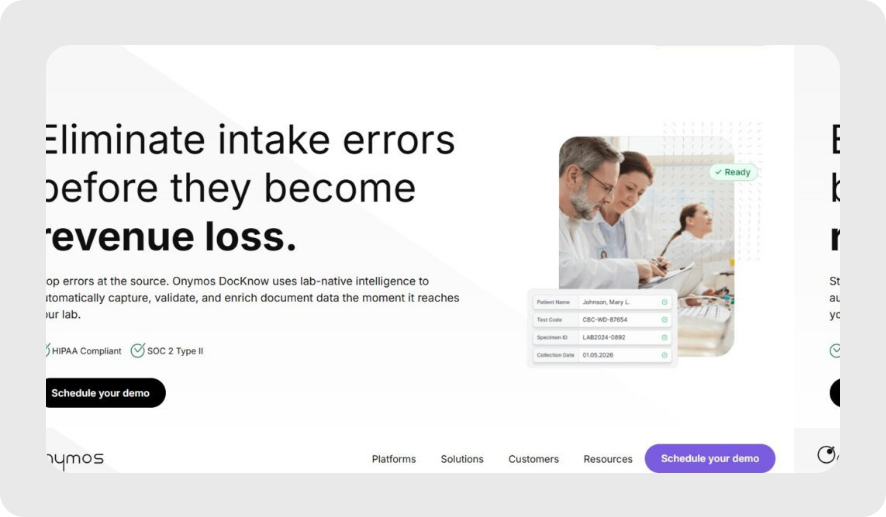
Onymos is the intelligent intake layer purpose-built for healthcare and life sciences and modern medical lab software ecosystems. Its flagship platform, DocKnow, powers document capture, validation, and structured data routing from the moment a specimen arrives through to billing and reimbursement.
Guardant Health, Personalis, and RetinaRisk are among the organizations using Onymos to hyperscale their document operations.
Unlike general healthcare document management software or a typical HIPAA-compliant document management system, Onymos is built around the specific document types labs deal with daily:
- Test requisition forms
- Insurance cards
- Medical records
- Supporting clinical documentation
Onymos Key Features
Here’s what makes Onymos stand out from the crowd.
- AI-Powered Laboratory Intake
DocKnow captures TRFs, insurance cards, and supporting documents from email, cloud storage, or other systems, then automatically extracts and validates the key data using NLP and machine learning.
Conflicting or incomplete fields are flagged before they reach downstream systems. Onymos customers report dramatically reduced manual QA overhead and faster specimen turnaround times.
- Revenue Cycle Document Automation
DocKnow automatically captures and categorizes revenue-related documents (superbills, EOBs, claims, and more) from any source, enforces configurable business rules via AI, and reconciles conflicting data points across connected systems before anything reaches your billing platform.
Every change is logged with a field-level audit trail, keeping your team compliant and audit-ready without manual oversight.
- Error Prevention at Intake
SmartSync is Onymos’s proprietary AI data reconciliation engine. It compares extracted values against connected systems and supporting documents, detecting mismatches before data moves downstream.
This means missing patient insurance details or mismatched physician identifiers get caught at intake, not after a claim is denied 90 days later. This is the core mechanism behind how DocKnow protects billing and reimbursement workflows from upstream errors.
- Billing and Reimbursement Enablement
DocKnow doesn’t stop at intake. It also powers the billing and reimbursement workflow, automatically processing revenue-related documents like EOBs and claims, running eligibility checks, and supporting appeal letter generation.
Every change is logged with a field-level audit trail, keeping your team compliant and audit-ready without manual oversight.
See how revenue cycle management software supports lab reimbursement.
- Zero Vendor Data Exposure
As of 2025, reports suggest that 80% of stolen patient records originate from third-party vendors. Onymos addresses this with its No-Data Architecture. The platform never accesses, captures, or stores customer data.
All patient records, healthcare documents, and extracted data remain exclusively within the customer’s own environment (on-prem or cloud). Onymos is SOC 2 and HIPAA compliant.
Compare HITRUST vs HIPAA in modern lab data workflows.
Onymos Pricing
Onymos uses custom pricing based on volume and modules.
DocKnow is modular, so labs can adopt specific capabilities (lab intake, billing and reimbursement, client services) without buying the entire platform.
Where Onymos Shines
- Purpose-built for labs: Designed specifically for diagnostic, clinical, and medical laboratory intake workflows and not adapted from a generic DMS
- No-Data Architecture: Eliminates third-party data exposure risk at the architectural level
- SmartSync catches errors at intake: Onymos’s AI reconciliation, built into DocKnow, flags missing or conflicting data before it even reaches billing
- Billing and reimbursement ready: Eligibility checks, appeal letter generation, and audit trails built in
- SOC 2 + HIPAA certified: Compliance baked into the platform, not bolted on
- Integrations available: With LIMS, billing systems, and analytics via API
Where Onymos Falls Short
- Primarily focused on labs: Not ideal for general hospital administration use cases
- Pricing and onboarding timelines: Based on lab volume and workflow complexity
Customer Reviews
An enterprise user in the mid-market medical niche reports, “We’ve used Onymos solutions and services for two major projects. It has been an incredibly positive experience in every aspect. Team members are extremely knowledgeable, reliable, articulate, and accommodating.”
Another user praises, “Onymos is a great partner and enabled us to quickly get our Proof of Concept completed. They were very responsive and collaborative, and we had a successful Proof Of Concept deployment.”
→ Read more: Onymos’s customer success stories.
Who Onymos is Best For
- Diagnostic laboratories: High-volume labs processing TRFs, insurance cards, and clinical docs at scale
- Clinical labs with RCM challenges: Labs losing revenue to claim denials caused by incomplete intake documentation
- Lab directors and RCM teams: Anyone responsible for ensuring clean data flows from specimen intake to reimbursement
- Labs on growth trajectories: Organizations processing more specimens annually that can’t scale manual workflows
2. DocuWare: Best for Mid-to-Large Healthcare Organizations
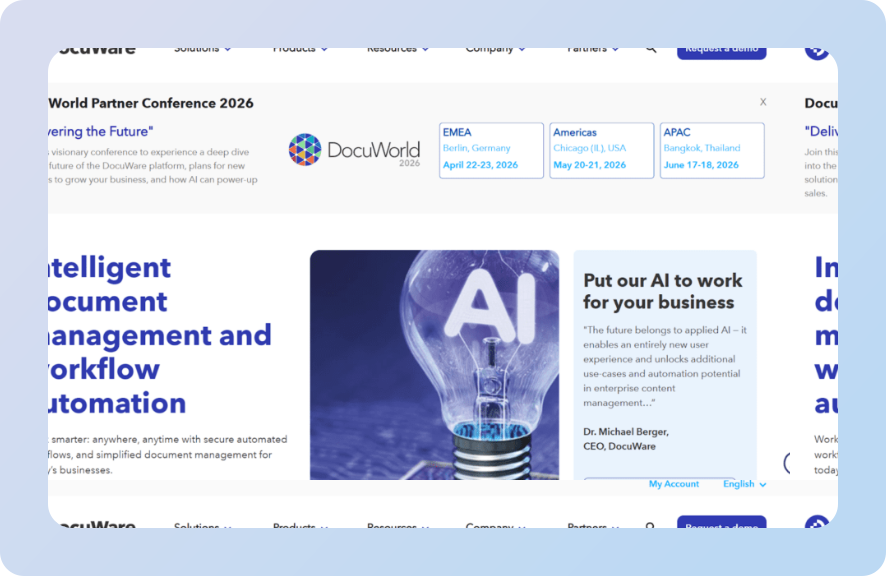
DocuWare is a comprehensive solution for digitizing and automating document processes across healthcare organizations. It’s used widely in hospital administration and medical group practices.
Key Features
- Intelligent Document Capture: Automated capture and classification from multiple input channels (scanner, email, mobile)
- Workflow Automation: Configurable approval and routing workflows for document processes like consent forms and HR records
- Cloud-Based Document Storage: Secure, searchable document storage with full audit trails and version history
Pricing
DocuWare Cloud pricing starts at low tiers (e.g., 4 users/20GB) with per-user costs around $25–$100/month, scaling to enterprise level pricing. DocuWare quotes are customized.
Where DocuWare Shines
- Strong workflow automation capabilities: Saving time in the long run by cutting processing times
- Integrates with major EHR systems: For users integrating multiple tools and platforms
- Comprehensive audit trails: Ensuring better organization-wide compliance
Where DocuWare Falls Short
- Costly: DocuWare is more expensive than its lighter alternative s
- Setup and configuration: Can be more complex the more data you onboard
- Too comprehensive: Might be more than needed for labs or practices with small-scale operations
Customer Reviews
Harsh C. says, “This a super easy to use application where you sign up, add companies and start managing documents in a safe and organised manner.”
Vanshika warns, “People unfamiliar with document management systems could have difficulties initially, and it could be a challenging learning curve.”
Who DocuWare Is Best For
- Mid-to-large hospital groups needing automated document workflow management across departments
- Healthcare providers standardizing their document processes across multiple locations
3. M-Files: Best for Metadata-Driven Healthcare Document Management
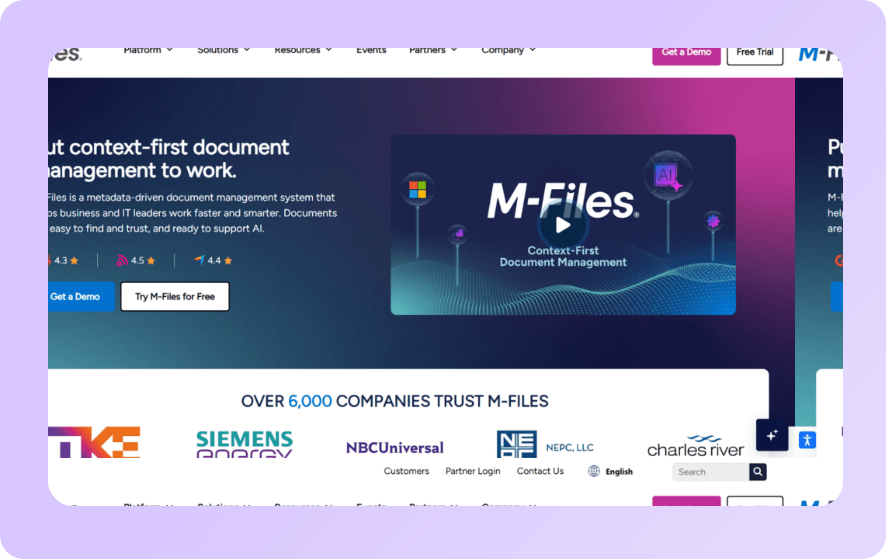
M-Files takes a different approach to document management for healthcare. Instead of organizing files in folder hierarchies, it uses metadata to tag and retrieve documents dynamically.
Key Features
- Metadata-Based Organization: Documents are retrieved by what they are, not where they’re stored
- EHR System Integration: Connects with existing healthcare systems to create a unified document view without replacing current infrastructure
- Compliance Management: Tracks document access, modifications, and audit trails to support HIPAA and other regulatory requirements
Pricing
M-Files follows a custom pricing model, typically billed per user/month.
Where M-Files Shines
- Metadata approach is genuinely faster: Especially for retrieval in complex environments
- Adapts to existing healthcare systems: Eliminating the need for a full rip-and-replace
- Offers strong version control: This helps with compliance and access control
Where M-Files Falls Short
- Time-intensive: Especially with initial setup and metadata schema design
- Learning curve: Interface has a learning curve for non-technical staff
- Unsuitable for labs: Not built for the specific nuances of lab accessioning or claims processing
Customer Reviews
Jim S. says, “The thing I like the most, that it was simple for me to learn. I especially like the access from anywhere feature, whether I am on my laptop at home, on a train or meeting a client on site, I can open and share documents.”
Evan J. laments, “At the moment there is only one downside our team has noticed, is the AI assistant. It is hard to make him do the job properly, somehow he manages to add wrong tags to wrong files, which really creates chaos.”
Who M-Files Is Best For
- Enterprise health systems managing thousands of document types across multiple departments
- Organizations that have already invested heavily in existing healthcare systems and need a document layer on top
4. FileHold: Best for Scalable Document Storage with Version Control
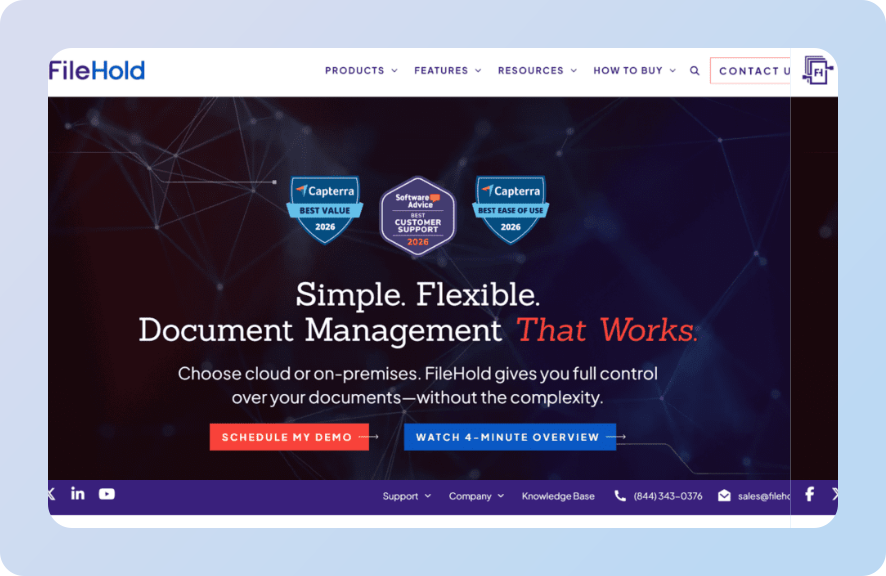
FileHold is a user-friendly document management solution that excels at scalable document storage, version control, and meeting healthcare privacy and security standards.
Key Features
- Robust Version Control: Every document revision is tracked and recoverable, with a complete audit trail of changes
- HIPAA-Compliant Storage: Role-based access controls, encryption at rest and in transit, and activity logging
- Scalable Architecture: Grows from small clinics to enterprise deployments without a platform change
Pricing
FileHold offers flexible, custom-based pricing that is either license-based or follows pay-per-user subscriptions.
Where FileHold Shines
- Excellent version control: Strong for document-heavy compliance environments
- HIPAA-compliant: Offering robust encryption models
- Scales cleanly: From small to enterprise levels
Where FileHold Falls Short
- Requires more IT resources: This is a necessity for optimal on-premise performance
- Complicated for smaller entities: They may find the initial complexity unnecessary
- AI feature limitations: Limited AI or intelligent document processing capabilities
Upgrade with intelligent document processing software for smarter automation.
Customer Reviews
Astrid B. says, “FileHold makes it easy to scan, store, and index documents. This solution also allows us to collect and organize information, access, process documents and control all our business processes.”
Tehn G. complains, “For a small enterprise it is costly. And because of easy access we get to store a lot of documents that may cause information overload. Also, it does not guarantee that your files are secured at all time.”
Who FileHold Is Best For
- Healthcare organizations prioritizing document version control and policy management
- Compliance-heavy environments where audit trails for every document action are non-negotiable
5. Concord: Best for Contract-Heavy Healthcare Organizations
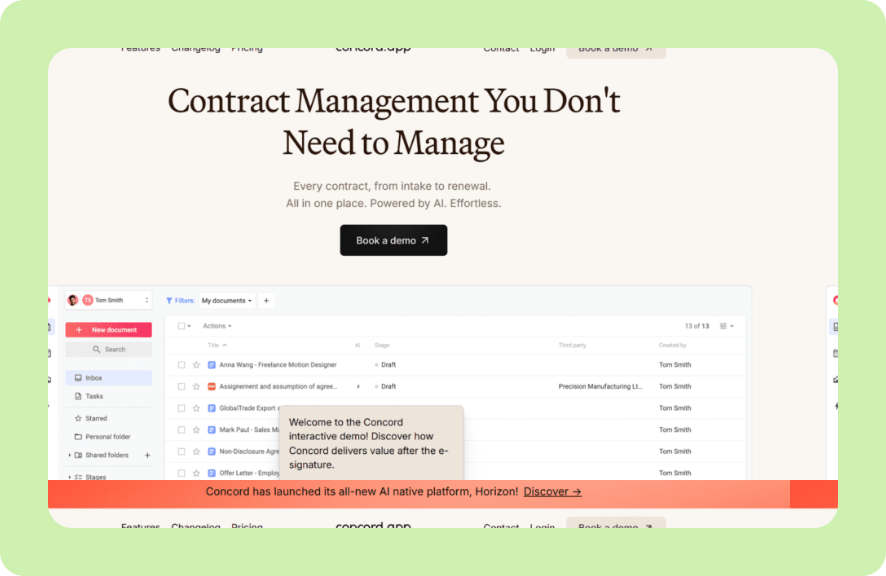
Concord is an intuitive HIPAA-compliant platform primarily focused on contract lifecycle management. Concord offers a clean and accessible solution with strong onboarding support, primarily aimed at healthcare organizations.
Key Features
- Contract Lifecycle Management: End-to-end contract creation, negotiation, signing, and storage with full audit trails
- HIPAA-Compliant E-Signatures: Legally binding, HIPAA-compliant electronic signatures that help reduce legal implications of unsigned or improperly executed documents
- Intuitive Interface: Easy to navigate with fast onboarding
Pricing
| Plan | Pricing (paid annually) | Additional users charge |
|---|---|---|
| Essentials | $499/per month | $49/month |
| Business | $899/per month | $69/month |
| Enterprise | $1,299/per month | $89/month |
All plans include 5 users.
Where Concord Shines
- Fast onboarding: Supportive customer success team praised consistently in reviews
- Best for contracts: Strong for contract-heavy healthcare admin workflows
- Easy to use: Genuinely simple and intuitive interface
Where Concord Falls Short
- Limited use case: Not built for clinical document workflows or lab-specific use cases
- Less scope: May not offer enough customization for complex healthcare systems
- Lack of integrations: Limited integration with LIMS or lab automation software
Customer Reviews
Hannah L. mentions, “I think of Concord as Google docs, Microsoft Word, DocuSign, and a File explorer, all in one. You can track changes in real-time during the negotiation stage, comment and create discussions for third parties and colleagues to review, sign electronically (while staying compliant), and search a database of all of your contracts records.”
Yurij M. warns, “…you cannot create a new Statement of Work (SOW) from a previously signed one, as signed documents are protected from copying. The workaround involves manually selecting all, copying, and pasting into a new document, which is far from efficient.”
Who Concord Is Best For
- Healthcare administrators and legal teams managing high volumes of contracts and provider agreements
- Organizations that want a user-friendly document management solution specifically for contracts and compliance paperwork
6. Laserfiche: Best for Enterprise Healthcare Records Management
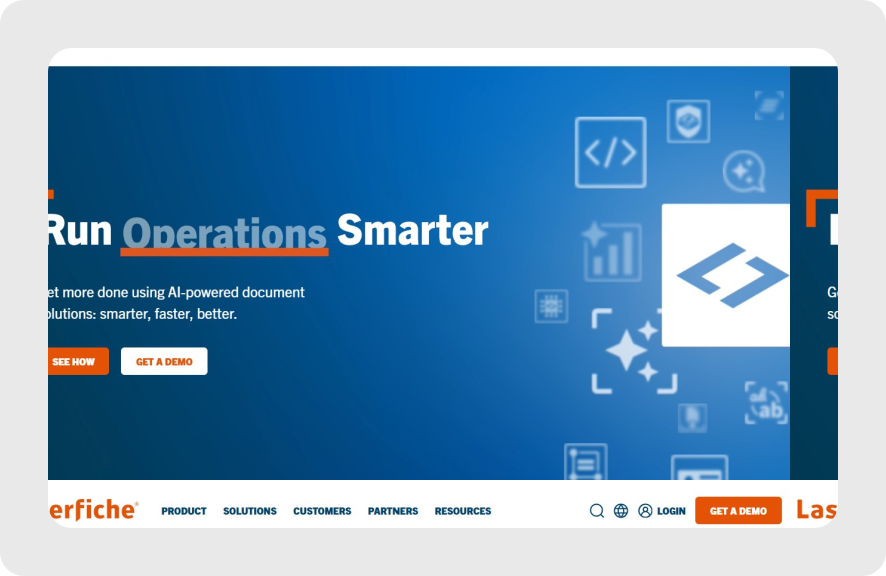
Laserfiche is a mature enterprise content management (ECM) platform used by health systems to manage the full records lifecycle. It combines document management with business process management (BPM), making it powerful but complex to implement.
Key Features
- Enterprise Content Management: Full document lifecycle management from capture to disposition, including records retention policies
- Business Process Automation: Configurable process workflows for complex approval chains, patient intake, and HR processes
- Compliance & Audit Trails: Comprehensive activity logging, version tracking, and audit trails to support regulatory requirements
Pricing
Laserfiche offers custom pricing with enterprise contracts typically involving annual licensing.
Where Laserfiche Shines
- Powerful at scale: Advantageous for large-scale, complex document environments
- Compliance features: Strong compliance and audit trail capabilities
- Customizable processes: Highly configurable process automation
Where Laserfiche Falls Short
- Long onboarding: Heavy implementation effort and long deployment timelines
- Cost: Users claim a high total cost of ownership
- Not suitable for smaller entities: Overkill for labs or mid-size practices with simpler document needs
Customer Reviews
Gerald S. praises, “I like how smooth Laserfiche makes digitizing our content and content management. I like the scalable cloud storage and the security features are top notch.”
Ifeoma E. warns, “Deployment of Laserfiche demands huge amounts of cash, and this distracts most of small businesses.”
Who Laserfiche Is Best For
- Large health systems managing documents across dozens of departments and sites
- Organizations with complex records retention requirements and dedicated IT teams for implementation
7. Hyland OnBase: Best for Deep EHR/EMR Integration
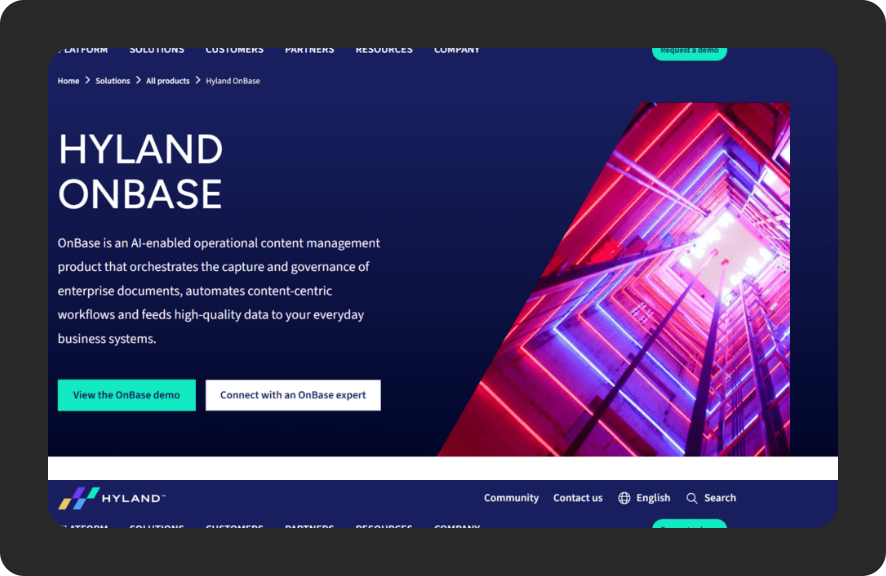
Hyland OnBase is one of the most deeply integrated document management platforms in healthcare. Its core strength is native connectivity with Epic, Cerner, and other major EHR/EMR platforms.
Key Features
- Deep EHR/EMR Integration: Native connectors to Epic, Cerner, and other leading systems; documents surface directly within clinical workflows
- Intelligent Capture: Automated document capture and classification from multiple input channels
- Healthcare-Specific Workflows: Pre-built workflow templates for common healthcare document processes, reducing configuration time
Pricing
Hyland offers custom pricing for all its solutions, typically with multi-year enterprise contracts.
Where Hyland OnBase Shines
- Great for EHR/EMR: Best in-class for Epic and Cerner environments
- Strong enterprise support: Mature platform for larger companies
- Templates available: Healthcare-specific workflow templates reduce setup time
Where Hyland OnBase Falls Short
- Not purpose-built for labs: Not designed for standalone lab document workflows or broader lab workflow software requirements
- Setup and configuration: High cost and implementation complexity
- Vendor lock-in risk: Especially for organizations relying on its deep EHR integrations
Customer Reviews
Samantha L. mentions, “Hyland ensures high reliance and compliance, and this involves robust security management.”
Another user says, “It would be nice if OCR could capture data without storing it as a keyword on the document. It would be nice if it could just write the data to a database table linked by the docid so that we could reference the values when needed.”
Who Hyland OnBase Is Best For
- Large health networks running Epic or Cerner that need documents to appear natively within clinical workflows
- Enterprise health systems with dedicated implementation teams and multi-year platform budgets
How to Choose the Best Healthcare Document Management Software
Here are the key features to evaluate before committing to a platform.
1. Does It Handle Your Specific Document Types?
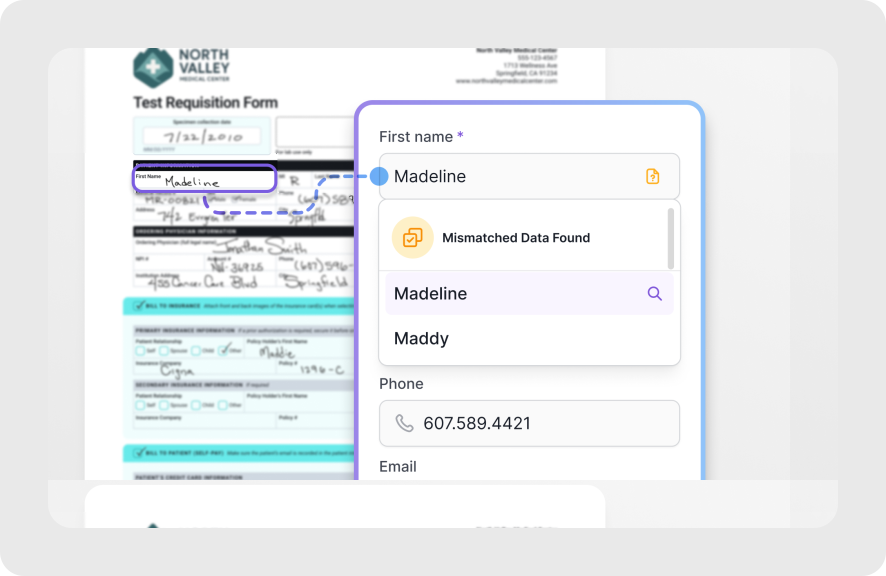
Generic document management for healthcare is not the same as purpose-built solutions.
If you’re a diagnostic lab, you need a system that understands test requisition forms, insurance cards, and the chain of custody for specimens. If you’re running hospital administration, you need contract management and HR document workflows.
Onymos’s DocKnow platform is built specifically for clinical and diagnostic workflows, billing and claims, and compliance. That specificity matters enormously when it comes to reducing the risk of errors in data extraction and downstream billing.
2. Security, Compliance & Audit Trails
Healthcare documents contain some of the most sensitive information in existence. Any platform you choose must provide:
- Robust encryption
- Role-based access controls
- Comprehensive audit trails tracking user-based access and modifications
HIPAA compliance is the baseline. But look further: Does the vendor store your data on their servers? This is a huge risk.
Onymos’s No-Data Architecture is the outlier here, with all data remaining inside the customer’s own environment, eliminating third-party exposure entirely and reducing the risk of legal repercussions.
→ Tip: Review Onymos’s security benchmarks to see what genuine healthcare privacy standards look like in practice.
3. Integration With Your Existing Healthcare Systems
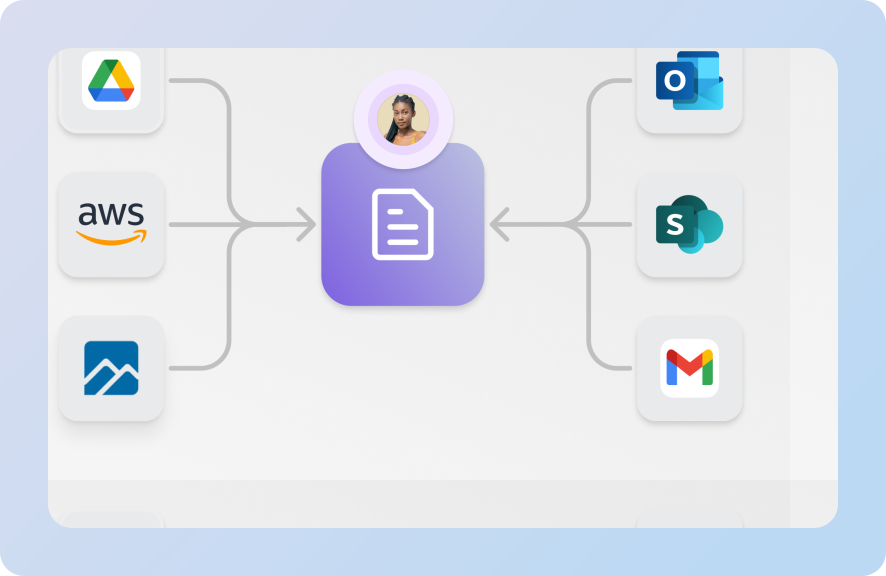
Look for comprehensive integration with your LIMS, EHR, billing platform, or LIS. The ability to push clean, structured data from document intake directly into downstream systems like billing is what separates modern AI document processing from simple document storage.
For example, Onymos DocKnow outputs structured, validated data via API that feeds directly into LIMS, billing platforms, and analytics tools.
4. Intuitive Interface & Ease of Onboarding
Lab technicians, specimen handlers, and billing teams are not IT professionals. Any healthcare document management software you deploy needs an intuitive interface with a short learning curve.
A system that’s powerful but unusable in a fast-paced clinical environment will create more problems than it solves.
Onymos’s UI is fully customizable, allowing teams to deploy it wherever they work and adapt it to their specific workflows without coding.
DocKnow is powered by Nucleus, Onymos’s underlying AI system, which handles the intelligent data extraction, reconciliation, and routing that makes the entire intake workflow possible.
Reduce Manual Healthcare Paperwork With Onymos
Most healthcare document management systems handle the storage side well. Very few address the real problem: errors and missing data at the point of intake that cause claim denials, compliance risk, and revenue loss downstream.
Onymos DocKnow is built for the labs and healthcare organizations where the documentation chain is the revenue chain. If you’re processing thousands of TRFs per week and watching claims get denied because of missing insurance details or mismatched patient identifiers, the fix is smarter intake.
Stop letting intake errors become denied claims and see Onymos in action today.


Connect with our team to explore how Onymos solutions can maximize efficiency, minimize costs, and drive real, scalable growth.
Schedule your demoWe know healthcare data
AI in the lab. Workflow automation at scale. Digital front doors for hospitals and clinics. Healthcare and life sciences are changing fast. Are you ready? Subscribe to our blog for:
- Trends in healthcare tech
- Research and analysis
- Customer stories and more