7 Best Lab Workflow Software Tools for Modern Labs in 2026
Table of Contents
- Compare the 7 Best Lab Workflow Software Tools: At a Glance
- 1. Onymos DocKnow: Best for Diagnostic & Clinical Labs
- 2. LabVantage: Best for Regulated Labs Needing Enterprise LIMS
- 3. Benchling: Best for Life Sciences R&D Teams
- 4. Labguru: Best for Smaller Labs Transitioning from Manual Processes
- 5. LabArchives: Best for Academic and Research Labs Needing Compliant ELNs
- 6. Thermo Scientific SampleManager: Best for High-Throughput Labs with Instrument Integration
- 7. Scispot: Best for Biotech Startups Needing a Configurable Lab OS
- How to Choose the Best Lab Workflow Software
- Simplify Lab Operations and Scale Faster with Onymos
Need a custom demo?
Use your own workflow and see where DocKnow can reduce manual work.
Get your demoKey Takeaways
- Onymos DocKnow is the best lab workflow software for diagnostic and clinical laboratories that need to automate intake and keep patient data inside their own infrastructure
- LabVantage is a strong LIMS choice for regulated environments with complex sample management and quality control needs across multiple lab sites
- Benchling suits life sciences R&D teams focused on experiment-driven data workflows and scientific collaboration
- Labguru works well for smaller academic or mid-market labs wanting an all-in-one ELN and inventory management solution
Your lab is running more samples than ever. But your team is still chasing down missing requisition fields, manually entering patient demographics, and watching claims come back denied because a physician identifier was wrong at intake.
The right lab workflow software catches errors before they cost you revenue and automates the handoffs that slow your team down.
This guide compares the best laboratory workflow management software tools available so you can match the right tool to your lab type and use case.
Compare the 7 Best Lab Workflow Software Tools: At a Glance
| Tool | Best For | Standout Feature |
|---|---|---|
| Onymos DocKnow | Diagnostic & clinical labs for intake-to-billing automation | SmartSync AI reconciliation; No-Data Architecture |
| LabVantage | Regulated labs needing enterprise LIMS with full sample lifecycle management | Configurable QC workflows |
| Benchling | Life sciences R&D teams focused on experiment tracking and scientific data | Molecular biology workflows; real-time collaboration |
| Labguru | Small to mid-sized labs transitioning from manual to digital | ELN + inventory management in one platform |
| LabArchives | Academic and research labs needing compliant electronic notebooks | Institutional ELN with audit trail |
| Thermo Scientific SampleManager | High-throughput labs requiring instrument integration and sample tracking | Direct instrument data capture; sample preparation automation |
| Scispot | Biotech startups needing a configurable setup | API-first architecture with no-code workflow builder |
If you’re running a diagnostic or clinical laboratory, Onymos DocKnow is the only platform on this list built specifically around lab accessioning, test requisition form processing, and RCM enablement.
→ See how Onymos eliminates intake errors before they become revenue loss
Book a demo
1. Onymos DocKnow: Best for Diagnostic & Clinical Labs
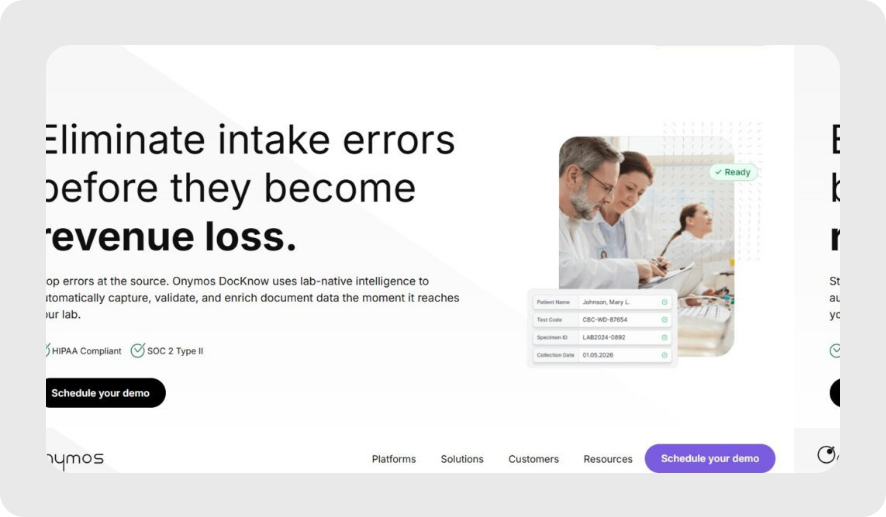
Onymos DocKnow is the intelligent intake layer purpose-built for clinical, diagnostic, and medical laboratories.
It automates document capture, validation, and data routing from the moment a specimen arrives, through accessioning, eligibility checks, and billing, without ever storing your patient data on a third-party server.
Onymos DocKnow Key Features
- AI-Powered Laboratory Intake
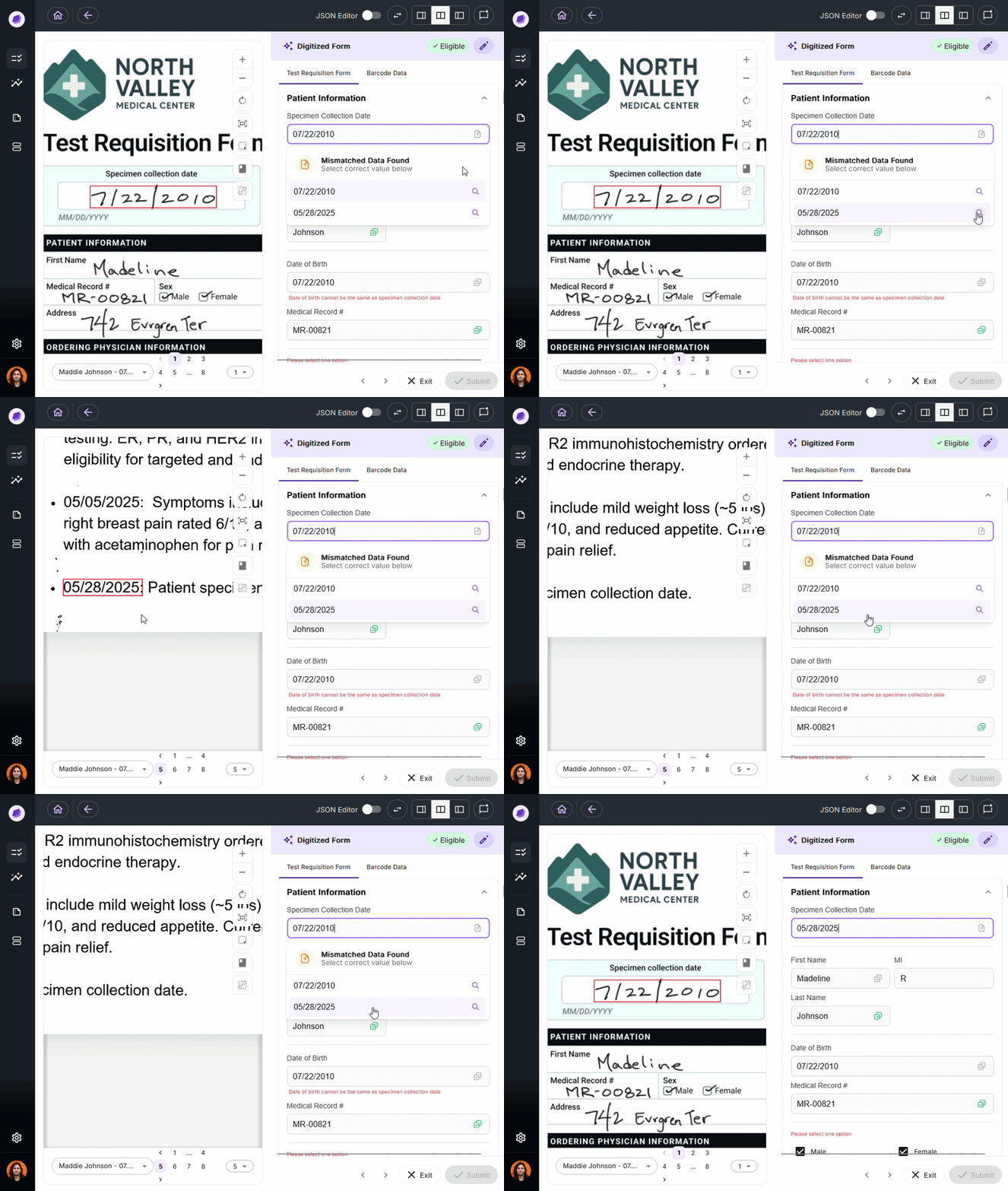
DocKnow captures TRFs and insurance documents from email, cloud storage, fax, or other systems, then uses NLP and machine learning to automatically extract and validate key data.
Conflicting or incomplete fields are flagged before they reach downstream systems, so your billing team isn’t hunting for a missing insurance group number three weeks after the specimen was processed.
- SmartSync AI Reconciliation
SmartSync is Onymos’s proprietary AI data reconciliation engine. It cross-references extracted values against connected systems and supporting documents in real time, catching mismatches at intake rather than after a claim is denied 90 days later.
Missing patient insurance details, mismatched physician identifiers, and incorrect diagnostic codes. SmartSync surfaces all of it at the decision point, not downstream. This is the core mechanism behind how DocKnow protects lab billing workflows from upstream errors.
- Billing and Reimbursement Enablement
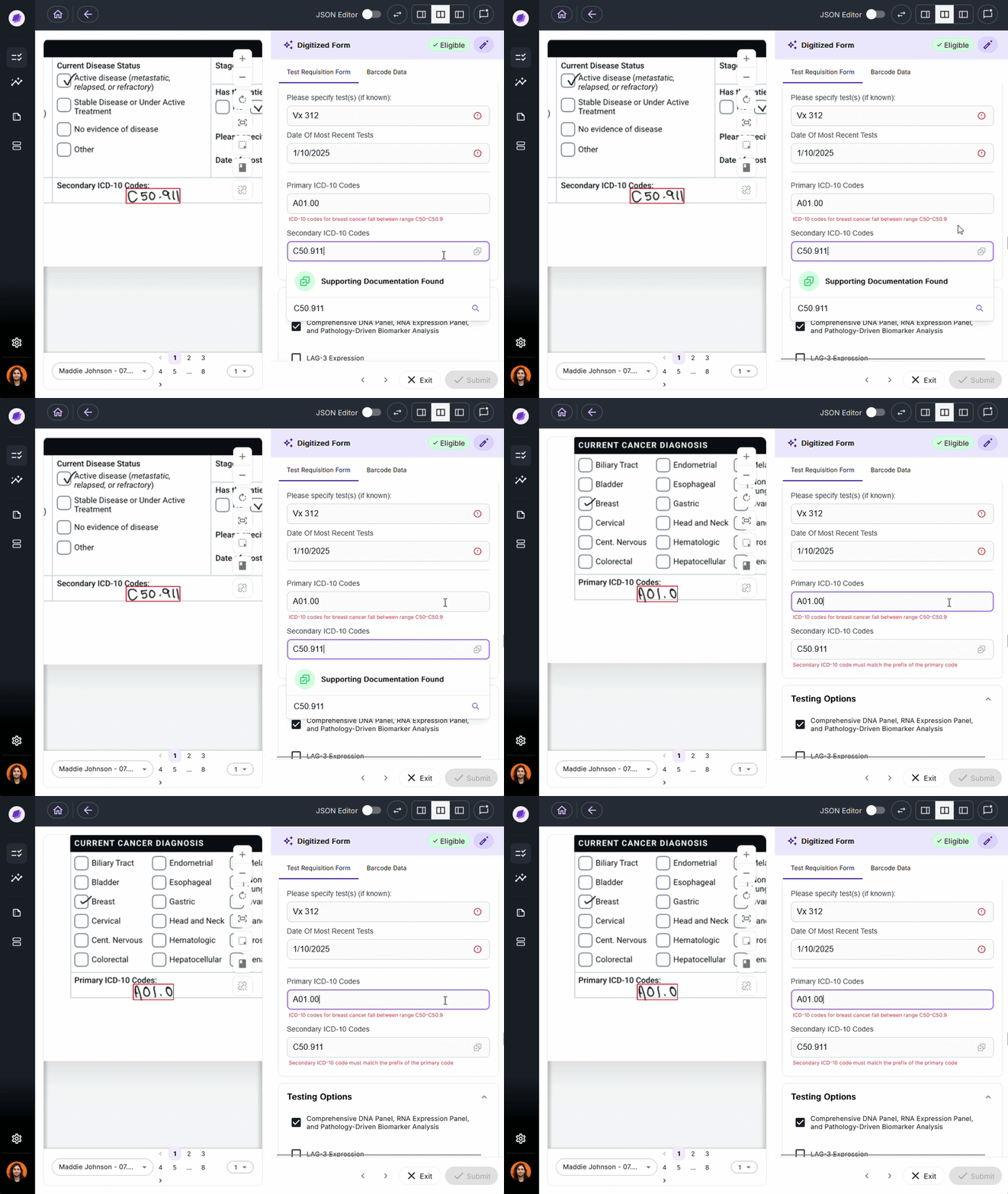
DocKnow automatically processes revenue-related documents such as EOBs, superbills, and claims, runs eligibility checks, and supports the generation of appeal letters. It also includes built-in integrations with ICD and CPT taxonomies.
Every change is logged with a field-level audit trail, keeping your team compliant and audit-ready without manual oversight.
Onymos DocKnow Pricing
Onymos uses custom pricing based on volume and workflow modules. DocKnow is modular, so labs can adopt specific capabilities without purchasing the entire platform.
Where Onymos DocKnow Shines
- Purpose-built for labs: Designed specifically for diagnostic, clinical, and medical laboratory intake workflows
- No-Data Architecture: All patient records and extracted data remain exclusively inside the customer’s own environment (on-prem or cloud)
- SmartSync catches errors at intake: Flags missing or conflicting data before it reaches billing
Where Onymos DocKnow Falls Short
- Primarily focused on labs: Not designed for general hospital administration or broader healthcare documents
- Pricing and onboarding timelines: Smaller labs may find the enterprise implementation process more involved than a plug-and-play solution
Onymos DocKnow Customer Reviews
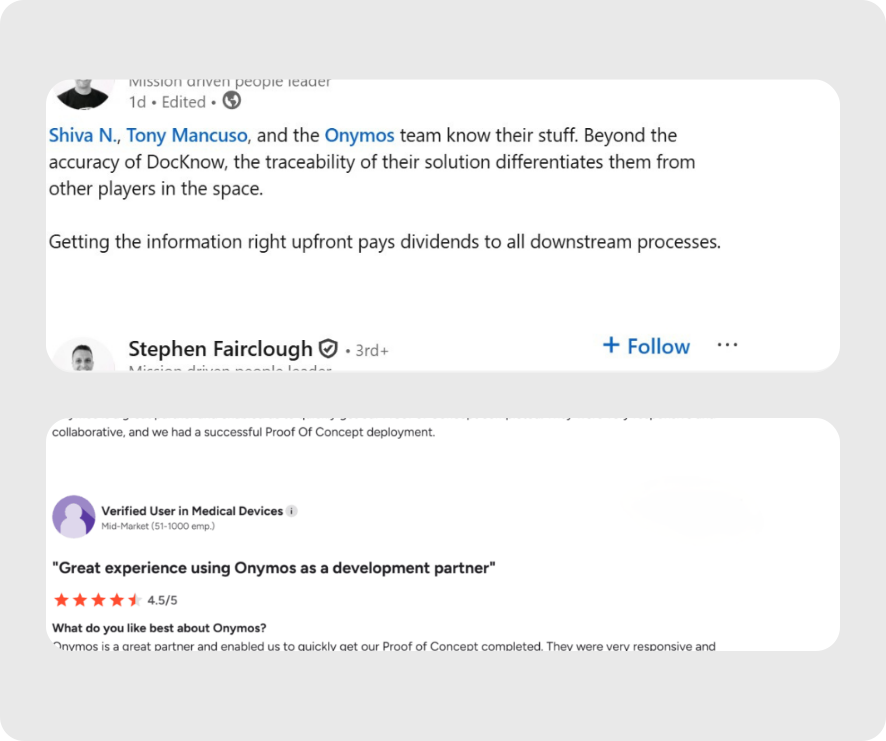
Stephen Fairclough, former VP of Informatics at Personalis, shared on LinkedIn: “The Onymos team know their stuff. Beyond the accuracy of DocKnow, the traceability of their solution differentiates them from other players in the space. Getting the information right upfront pays dividends to all downstream processes.”
A verified user praises, “Onymos is a great partner and enabled us to quickly get our Proof of Concept completed. They were very responsive and collaborative, and we had a successful Proof Of Concept deployment.”
→ Check out our customer success stories
Who Onymos DocKnow is Best For
- High-volume diagnostic labs processing TRFs, insurance cards, and clinical documentation at scale
- Clinical labs losing revenue to claim denials caused by incomplete intake documentation
- Lab directors and RCM teams responsible for ensuring clean data flows from specimen intake through to reimbursement
- Labs on growth trajectories scaling test volume annually, that can’t scale manual accessioning workflows
→ Read more: See how labs use Onymos to scale
2. LabVantage: Best for Regulated Labs Needing Enterprise LIMS
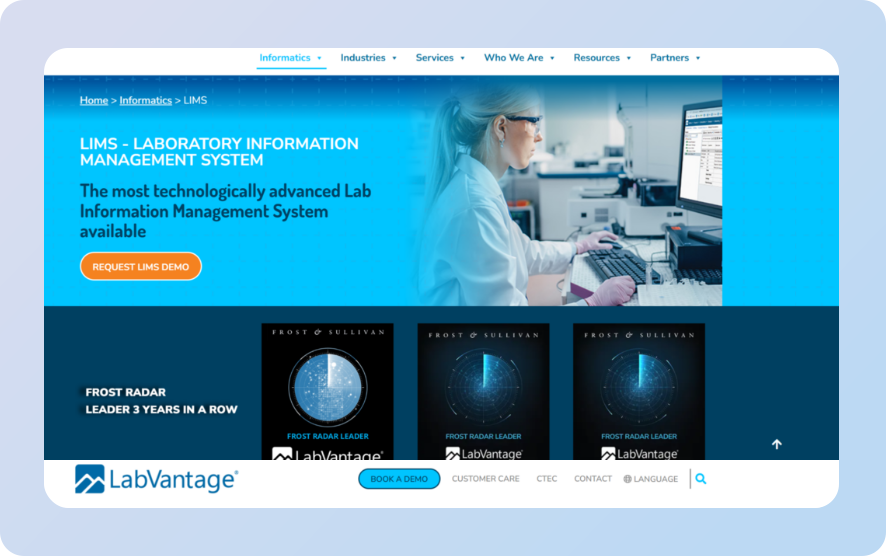
LabVantage is a mature, enterprise-grade Laboratory Information Management System (LIMS) used across pharmaceutical, biotech, and clinical laboratory environments.
Its strength is comprehensive sample lifecycle management—from sample receipt through testing, quality control, and data reporting.
Key Features
- Sample Management & Tracking: Full chain-of-custody tracking from sample receipt through disposal, with configurable workflows at each stage
- Quality Control Templates: Built-in QC workflows with configurable acceptance criteria, automated alerts for out-of-spec results, and integration with lab instruments for direct data capture
- Regulatory Compliance: Designed to support FDA 21 CFR Part 11, EU Annex 11, CAP, and CLIA requirements
Pricing
LabVantage follows a custom pricing model.
Where LabVantage Shines
- Deep regulatory compliance: Strong audit trail and validation support
- Enterprise scalability: Handles complex multi-site lab operations with configurable user roles and real-time coordination across teams
- Instrument integration: Supports automated workflows for instrument data capture and equipment validation
Where LabVantage Falls Short
- Not intake-focused: LabVantage manages samples and data once they’re in the system but it doesn’t solve the upstream problem of incomplete or incorrect intake documentation
- Implementation complexity: Enterprise deployments typically require significant IT resources and long onboarding timelines.
Customer Reviews
Brian L. praises, “I have found LabVantage staff very engaging and easy to work with. I have done several projects with them and each time has been above average in helping to achieve the business aims.”
Sri G. notes, “While the platform is powerful, debugging Groovy scripts and custom Java code can be cumbersome.”
Who LabVantage is Best For
- Pharmaceutical and biotech labs needing full sample lifecycle management with FDA 21 CFR Part 11 compliance
- Multi-site regulated labs requiring centralized sample tracking, QC checks, and standardized laboratory workflow management software across locations
3. Benchling: Best for Life Sciences R&D Teams
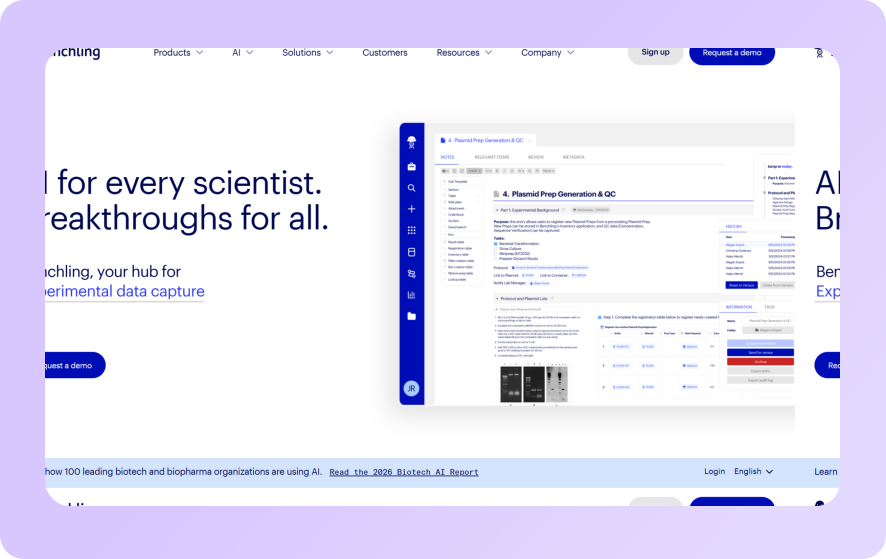
Benchling is widely adopted in life sciences R&D for its scientific data management and collaboration capabilities.
It’s built around experiment tracking, molecular biology workflows, and research data integrity, making it a strong choice for drug discovery and translational research environments.
Key Features
- Electronic Lab Notebook (ELN): Structured experiment capture with real-time collaboration and version history
- Scientific Workflow Automation: Automates data capture across workflows, with integration into informatics tools for real-time analysis
- Inventory and Sample Management: Tracks reagent lots, biological materials, and sample data management across research teams
Pricing
Academic and small teams can take advantage of Benchling’s free tier. Growth and Enterprise firms are offered custom pricing.
Where Benchling Shines
- Research-centric workflows: Strong for scientific data capture, molecular biology, and experiment collaboration
- Integration ecosystem: Connects with informatics tools, data repositories, and common lab instruments
Where Benchling Falls Short
- Not built for clinical labs: Benchling is designed for research
- Operational gaps: Teams looking to automate intake documents, insurance cards, or TRF processing will need additional tools
Customer Reviews
Ciaran L. says, “Setting up new entity schemas and templates for users is super fast, thanks largely to the easy to use interface, and the great selection of built-in entities to choose from (dropdowns, dates, Sequence data etc).”
Another verified user warns, “Benchling isn’t necessarily intuitive, it does take a while to get used to it. The training helps and time is important, you have to practice using it to really get the value out of it.”
Who Benchling is Best For
- Life sciences R&D teams in pharma and biotech focused on experiment-driven workflows, drug discovery, and scientific data management
4. Labguru: Best for Smaller Labs Transitioning from Manual Processes
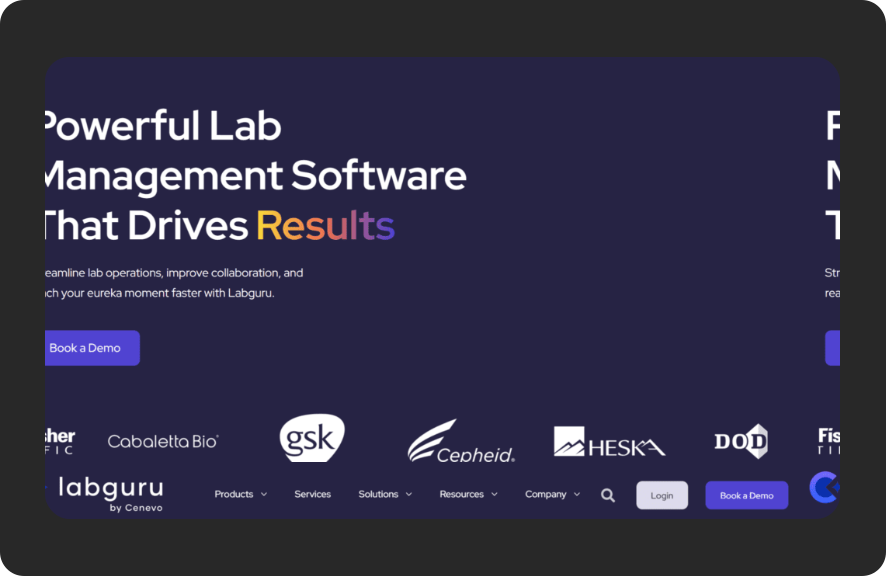
Labguru combines electronic lab notebook capabilities with inventory management and basic lab workflow automation.
The software is an accessible entry point for smaller teams moving from spreadsheets and paper-based processes toward structured digital workflows.
Key Features
- ELN + Inventory Management: Unified interface for experiment capture and lab inventory tracking, including reagent lot accessioning
- Basic Workflow Automation: Configurable task scheduling and automated alerts to keep lab operations on track
- Data Management: Centralized sample data management and protocol library
Pricing
Labguru follows a custom, quote-based pricing model tailored to the specific needs of academic, start-up, or enterprise labs.
Where Labguru Shines
- Accessible onboarding: Designed for ease of use, with a short learning curve for non-technical lab staff
- All-in-one for small teams: Combines ELN, inventory, and sample management without requiring multiple systems
Where Labguru Falls Short
- Limited scalability: Scaling workflows across multiple sites or integrating deeply with enterprise systems can be challenging
- Not suitable for diagnostic lab workflows: Doesn’t address intake document processing, insurance capture, or billing integration
Customer Reviews
Sarah R. praises, “The interface is intuitive, making it easy to learn and use. It helps me keep track of everything efficiently and is well adapted to the specific needs of the lab.”
Oleksii R. notes, “Working with imported tables and performing more in-depth data analysis can feel restricted. Generating detailed research reports and having direct integration with scientific databases for literature, references, or citation suggestions would significantly enhance the experience.”
Who Labguru is Best For
- Small to mid-sized academic and research labs looking for an affordable, all-in-one research management tool
5. LabArchives: Best for Academic and Research Labs Needing Compliant ELNs
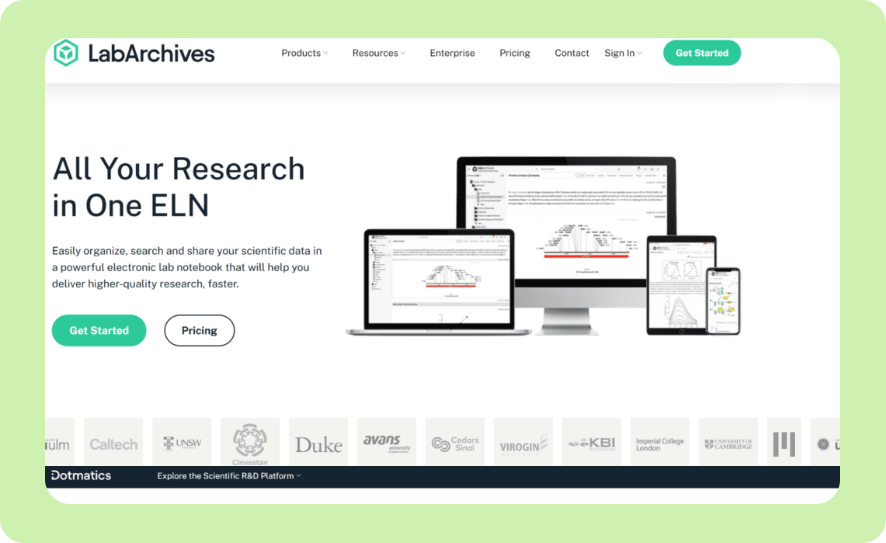
LabArchives is a cloud-based electronic lab notebook platform built for academic research institutions.
It mainly focuses on compliant data capture, collaborative note-taking, and long-term data integrity.
Key Features
- Compliant ELN: Structured, timestamped experiment records with audit trail for research integrity
- Collaboration: Real-time data review and sharing across research teams
- Report Formats: Exportable data in multiple electronic reporting formats
Pricing
LabArchives offers four subscription pricing plans.
| Plan | Who It’s Best For | Price |
|---|---|---|
| Free | Individuals and small teams comfortable with 2 owned notebooks, 1GB per user, and a 25MB file limit | $0 |
| Professional | Premium ELN users wanting unlimited owned notebooks and 100GB per user |
$330 Academic per user per year $575 Corporate per user per year |
| ELN + Inventory | Bundle users desiring ELN plus Inventory features |
$360 Academic per user per year $675 Corporate per user per year |
| Enterprise | For growing organizations needing larger scale and security | Custom |
LabArchives also offers customized packages and pricing options for startups.
Where LabArchives Shines
- Affordable entry point: One of the most cost-accessible compliant ELN options available
- Academic-focused: Strong fit for university research labs with compliance and data sharing requirements
Where LabArchives Falls Short
- Minimal workflow automation: Primarily a documentation tool with limited process automation or integration capabilities
- Limited use case: Not designed for clinical or diagnostic use
Customer Reviews
Nitin K. notes, “I like that Labarchives has the option to create multiple folders and then add several files in this folder. The best part is that we can create either word files or excel sheets. On top of that, you can upload pdf files in the folder.”
The same user does report difficulties, saying, “The only issue is the maximum limit of 100MB for a file which sometimes forces you to make multiple files if you have some images pasted in the file. Also sometimes it becomes difficult to open through the app for some of the institutes.”
Who LabArchives is Best For
- University, academic teams, and research labs needing compliant, affordable ELN functionality
6. Thermo Scientific SampleManager: Best for High-Throughput Labs with Instrument Integration
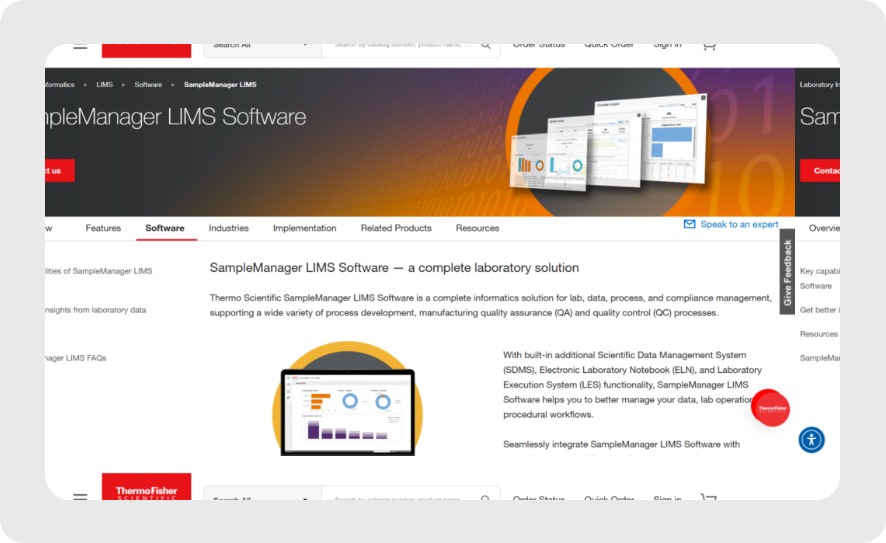
Thermo Scientific SampleManager is an enterprise LIMS and lab automation system designed for high-throughput environments.
Designed for the pharmaceutical QC, environmental testing, and clinical lab environments, it provides tight integration between laboratory systems and instruments.
Key Features
- Instrument Data Capture: Direct integration with lab instruments for automated workflows and instrument loading, reducing manual transcription errors
- Sample Preparation Automation: Supports automated workflows across sample preparation, quality control, and testing processes
- Regulatory Compliance: Built-in tools for FDA 21 CFR Part 11 compliance, audit trails, and electronic reporting
Pricing
Thermo Scientific offers custom pricing for all enterprise tiers.
Where Thermo Scientific Shines
- Deep instrument integration: Great for labs with complex instrument ecosystems requiring real-time data capture
- High-throughput support: Designed for labs processing large specimen volumes with automation systems
Where Thermo Scientific Falls Short
- Not intake-focused: SampleManager manages lab operations once samples are accessioned so upstream document capture and insurance processing require additional solutions
- Implementation intensity: Significant IT and validation investment required
Customer Reviews
Ajay K. notes, “It makes lab work easier by organising data and by ensuring everything meets regulations.”
Prachi S. warns, “Difficult to run the Sample when LIMS software has disturbed due to server issue.”
Who Thermo Scientific is Best For
- Pharmaceutical QC labs and high-throughput clinical labs needing enterprise-grade instrument integration, sample tracking, and regulatory compliance
7. Scispot: Best for Biotech Startups Needing a Configurable Lab OS
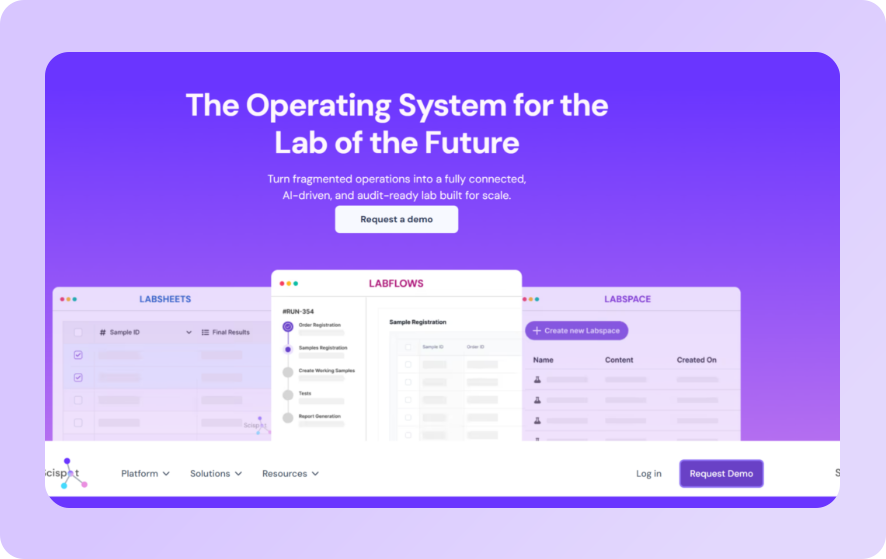
Scispot positions itself as a “lab operating system” for biotech and life sciences teams in a single platform combining ELN, LIMS, inventory management, and integrations in one configurable workspace.
Key Features
- Unified ELN + LIMS: Combines electronic lab notebook functionality with sample tracking, inventory management, and protocol management
- No-Code Workflow Builder: Teams can configure laboratory workflows, approval chains, and automated alerts without writing code
- Integrations and API Access: Connects with common biotech tools and instruments, with API access for teams that need custom data pipelines or want to feed data into downstream analytics platforms
Pricing
Scispot also offers custom-pricing for all enterprise tiers.
Where Scispot Shines
- Fast setup for growing teams: Designed to get labs operational quickly without the lengthy validation and onboarding timelines typical of enterprise LIMS deployments
- Configurable without developers: The no-code workflow builder makes it practical for lab managers
- Broad integration support: Useful for biotech teams running heterogeneous tool stacks who need a central layer
Where Scispot Falls Short
- Scaling limits: Teams at enterprise scale or in heavily regulated environments may find compliance tooling and audit trail depth less robust than dedicated LIMS platforms
- Less proven in regulated environments: FDA 21 CFR Part 11 and CLIA/CAP compliance workflows are less mature compared to established LIMS platforms like LabVantage or SampleManager
Customer Reviews
Soumith P. praises, “Scispot stood out as it is the most configurable platform – I pretty much configured my own sample and inventory manager in a few minutes using Scispot Labsheets and integration with scientific instrument is seamless.”
Ethan G. points out some difficulty, noting in particular the, “Learning curve to effectively use the platform as well as small latency errors.”
Who Scispot is Best For
- Early-to-mid-stage biotech startups that need an all-in-one lab OS without enterprise-level implementation overhead
- R&D teams replacing fragmented spreadsheet and ELN setups with a unified, configurable platform
How to Choose the Best Lab Workflow Software
Before committing to a platform, these are the criteria that matter most.
Does It Match Your Lab Type?
Generic laboratory sample management software is not the same as a purpose-built solution.
A diagnostic or clinical lab processing TRFs, insurance cards, and other critical (and sensitive) documents daily has fundamentally different needs than an R&D lab running experiments.
If your lab’s revenue depends on clean data flowing from specimen intake through to insurance reimbursement, you need software that understands that chain.
Onymos DocKnow is designed specifically for this workflow from document capture through eligibility checking, accessioning, and billing support.
Where Does Error Prevention Happen?
Most lab software manages data once it’s inside the system. The harder problem, and the one that actually drives claim denials, is what happens at the point of intake.
Missing insurance details, incomplete physician identifiers, and illegible TRF fields are workflow problems. They originate upstream, and the cost compounds downstream.
Look for software that validates and reconciles data at intake, before it moves into your LIS, LIMS, or billing platform.
Onymos’s SmartSync AI engine, powered by Nucleus, is built specifically for this: it catches mismatches at the point of entry.
Security, Compliance, and Data Residency
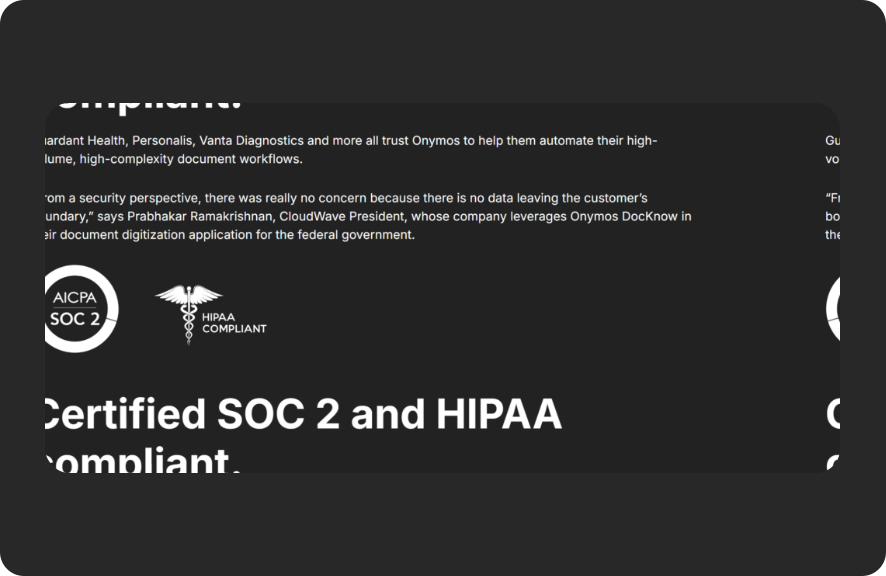
Healthcare and clinical lab data are among the most sensitive. HIPAA compliance is the baseline, but the more important question is: where does your data actually live?
Most SaaS LIMS and document management vendors store customer data on their own servers. In a post-HIPAA, post-breach environment, that’s a meaningful risk.
Review your vendor’s HIPAA-compliant automation practices before signing.
Onymos’s No-Data Architecture is the outlier here. All patient records, extracted data, and processed documents remain exclusively inside the customer’s environment.
Onymos never accesses or stores your data.
→ Read more: Review Onymos’s security standards
Simplify Lab Operations and Scale Faster with Onymos
Most lab workflow software handles one part of the problem. LIMS platforms manage samples and data. ELNs capture experimental records. Billing platforms process claims.
Onymos DocKnow addresses the part that connects them all: the intake layer, where missing data, illegible forms, and unvalidated fields lead to downstream revenue loss, compliance risk, and denied claims.
If you’re running a diagnostic or clinical lab and watching reimbursements get denied because of errors that entered your system on day one, that’s a classic workflow problem. And it’s got a solution.
Contact Onymos to see how DocKnow eliminates intake errors before they become revenue loss.


Connect with our team to explore how Onymos solutions can maximize efficiency, minimize costs, and drive real, scalable growth.
Schedule your demoWe know healthcare data
AI in the lab. Workflow automation at scale. Digital front doors for hospitals and clinics. Healthcare and life sciences are changing fast. Are you ready? Subscribe to our blog for:
- Trends in healthcare tech
- Research and analysis
- Customer stories and more