9 Best Laboratory Sample Management Software Tools in 2026
Struggling with sample tracking and lab compliance? Explore the top laboratory sample management software that keeps your workflow error-free.
- Onymos Team
- 22 min read
The most costly laboratory errors often begin long before testing starts.
They come from a missing insurance field on a test requisition form (TRF), a sample that loses its chain of custody between accessioning and the bench, or a spreadsheet that hasn’t been updated in weeks.
Laboratory sample management software gives every specimen a digital record from intake through disposal. For labs trying to scale, that record is now the baseline, not just a convenient upgrade. This guide compares the nine best options in 2026, covering what each one does well, where it falls short, and which type of lab it actually fits.
Compare the Best Laboratory Sample Management Software: At a Glance
| Tool | Best For | Standout Feature | Price Starting Point |
|---|---|---|---|
| Onymos | High-volume specimen intake and accessioning accuracy | SmartSync AI reconciliation and No-Data Architecture | Custom, modular pricing |
| QBench | Diagnostic, biotech/NGS, and industrial QC testing labs | No-code workflow configuration with built-in QMS and billing | From $16,500/year (5 users) |
| LabVantage | Large pharmaceutical and regulated enterprise labs | Full sample lifecycle with embedded ELN, LES, and SDMS | Custom quote |
| LabWare | Multi-site global lab networks | Configurable, self-hosted modular architecture | Custom quote |
| Thermo Scientific SampleManager | Labs standardized on Thermo Fisher instruments | Native Chromeleon CDS integration | Request for quote |
| STARLIMS | Regulated QC, pharma, and public health labs | Configurable LIMS workflows and integrated quality controls | Custom quote |
| Sapio Sciences | Labs wanting a low-code, AI-forward LIMS | No-code workflow builder plus AI chat assistant (ELaiN) | Custom tiers: request a quote |
| Benchling | Biotech teams managing scientific design and development | Sequence design and molecular data management | Custom quote |
| SciSure | Research sample tracking and traceability | Freezer management and sample lineage tracking | Custom quote |
Most platforms here manage what happens to a sample after it’s already inside your lab. Onymos sits upstream of your workflow, ensuring the data attached to a specimen is accurate before it reaches your LIMS (Laboratory Information Management System) or billing system.
→ See how Onymos automates sample intake and fits with your existing systems
1. Onymos: Best for High-Volume Specimen Intake and Accessioning Accuracy
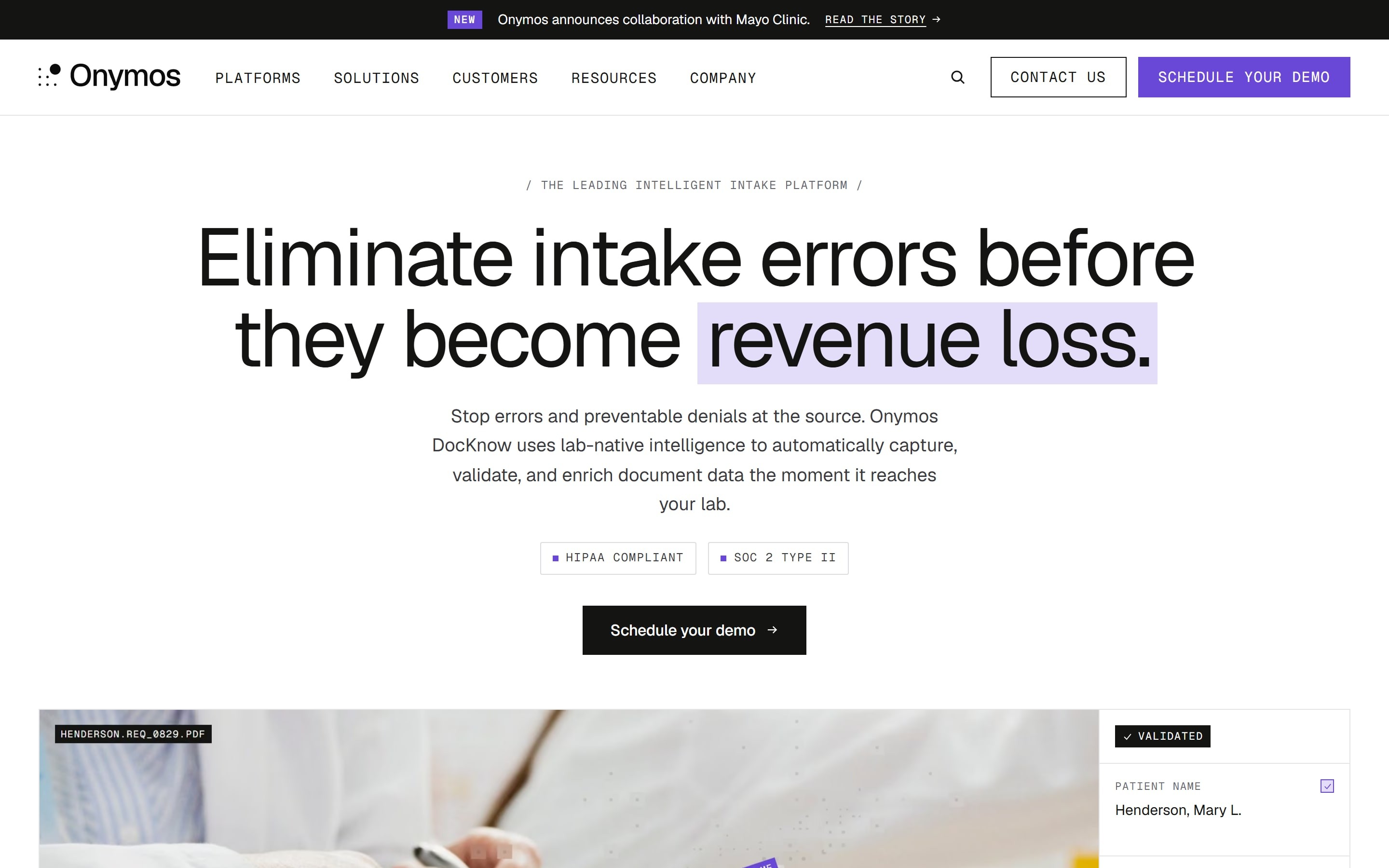
Onymos is not a traditional laboratory sample management platform, but it plays a critical role by ensuring that every specimen enters downstream workflows accompanied by complete, validated, and structured data. By capturing and tracking laboratory requisitions and associated documentation from the point of intake, Onymos strengthens sample traceability and reduces the operational issues that often arise before a specimen is ever managed within a LIMS or sample tracking system.
Onymos Key Features
DocKnow catches errors at a point where they are easier and cheaper to fix, which is usually right when they first enter your lab. Three key capabilities make that possible:
- SmartSync: AI Data Reconciliation at Intake
SmartSync is Onymos’s proprietary AI engine inside DocKnow that cross-references extracted data against TRFs, insurance cards, medical records, and any connected system simultaneously. It flags conflicts like a missing physician identifier, an expired insurance policy, or a mismatched field before that record reaches your LIMS or billing team.
Onymos reports an 84% reduction in intake errors and 99.7% data validation accuracy across labs using this engine. Timely-filing limits typically run 90-180 days, so catching an error at intake rather than after a denial is how data reconciliation can save healthcare billions a year.
- Synapse: The AI Engine Behind DocKnow
Synapse is the AI system running underneath every DocKnow feature. It powers a Cognitive Insight Model (CIM) that lab teams query their documents and data using natural language.
Unlike a general-purpose chatbot, Onymos’s CIM reasons over a lab’s own documents, SOPs, and operational data. An ops manager can ask a direct question about turnaround time or denial patterns and get a source-linked answer. This is what separates intelligent document processing from basic OCR (optical character recognition), which stops at text extraction.
- No-Data Architecture: Zero Vendor PHI Exposure
No-Data Architecture is Onymos’s award-winning privacy posture. Customer data is processed inside the customer’s own environment and never stored, seen, or routed through Onymos’s servers.
More than 55% of healthcare data breaches are attributed to third-party vendors, so a platform that structurally cannot be that vendor is solving a real risk rather than making a policy promise. Onymos is SOC 2 Type II and HIPAA compliant and won the 2024 Fortress Cybersecurity Award for this approach.
Onymos Pricing
| Plan | Details |
|---|---|
| Modular, custom pricing | Pay only for the DocKnow capabilities your lab uses, scaled to specimen volume rather than a flat enterprise license. |
DocKnow does not publish a fixed price list. Pricing depends on which modules a lab needs: intake, eligibility checks, or billing automation.
Where Onymos Shines
- Purpose-built for lab intake: Validation logic is designed for TRFs, insurance cards, and specimen accessioning workflows
- No rip-and-replace required: Integrates with existing LIS, LIMS, and billing systems through APIs
- Structural data privacy: Patient data never leaves the customer’s environment, so compliance teams evaluate an architecture decision rather than a vendor’s promise
Where Onymos Falls Short
- Not a LIMS replacement: Labs still need a LIS or LIMS for sample management, QC, and reporting
- Focused on clinical diagnostics: Not purpose-built for pharmaceutical R&D, biotech research, or environmental testing.
Onymos Customer Reviews
A user praises, “Great partnership, quick turnaround, innovative solutions leveraging modern technologies. Willingness to be agile and customize solutions to meet business needs.”
Another user commends, “We’ve used Onymos solutions and services for two major projects. It has been an incredibly positive experience in every aspect. Team members are extremely knowledgeable, reliable, articulate, and accommodating.”
Who Onymos Is Best For
- High-volume diagnostic and clinical labs, especially those processing hundreds of thousands of specimens a year and losing revenue to denials caused by intake errors.
- Labs that want to keep their existing LIMS or RCM as Onymos fixes the data going in rather than asking a lab to migrate systems.
- Clinical labs with RCM and denial problems that are losing revenue due to intake documentation errors
- Labs under CLIA, CAP, or HIPAA scrutiny that need defensible, real-time audit trails for the entire intake and accessioning workflow. No-Data Architecture answers the “Where does our patient data actually live?” question definitively.
→ See how DocKnow fits into your existing lab stack
2. QBench: Best for Diagnostic, Biotech/NGS, and Industrial QC Testing Labs
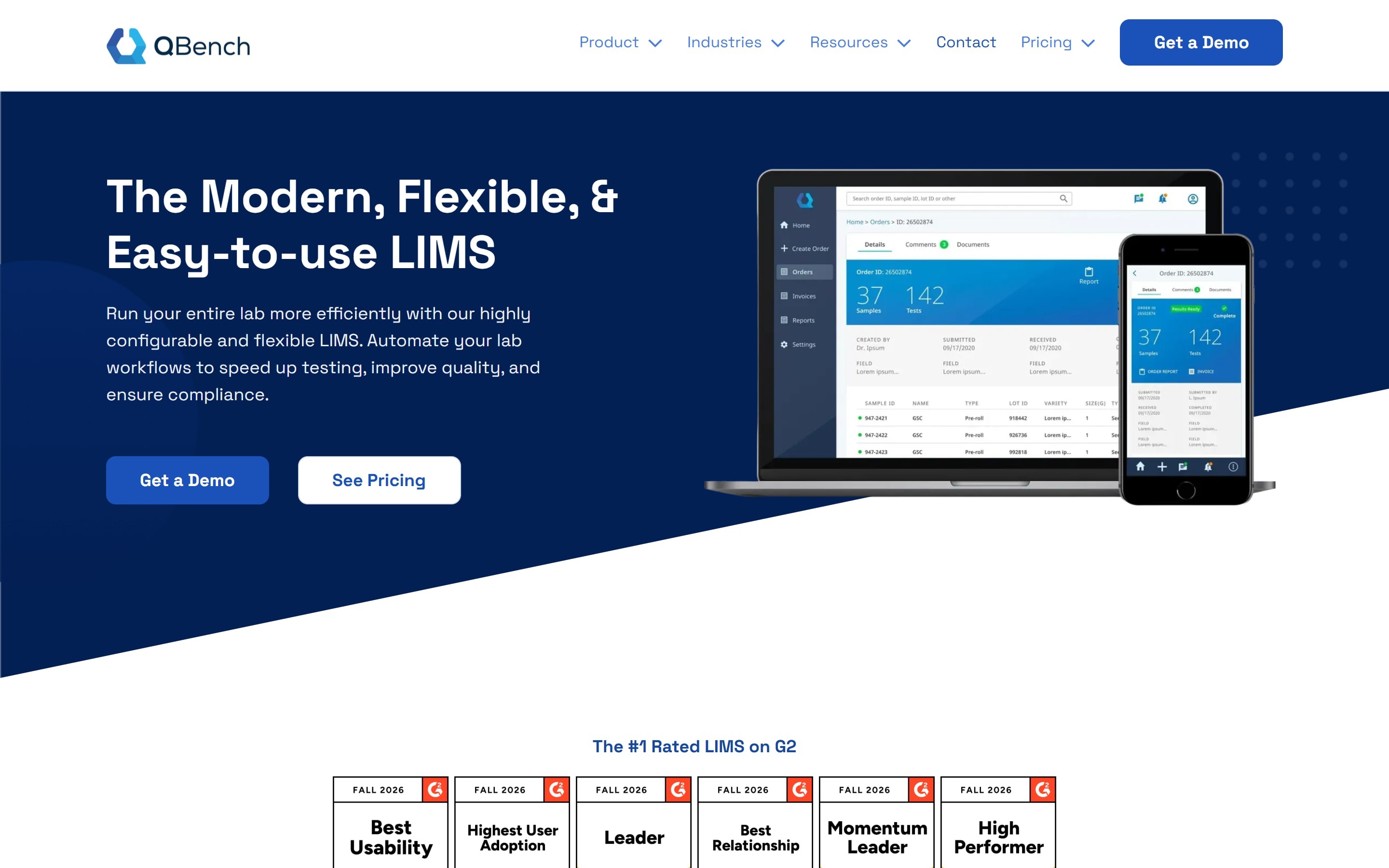
QBench is a cloud-based LIMS software built to take a testing lab from sample receiving through automated results reporting. Its biggest differentiator is configurability: labs can build custom fields, workflows, and report templates without writing code.
Key Features
- No-Code Workflow Configuration: QBench’s workflow automation engine lets a lab build and adjust custom fields, panels, and report templates without writing code or filing a change request. Labs can create report templates that automatically generate, route for approval, and release hundreds of reports at once.
- Sample Tracking and Compliance Documentation: QBench tracks samples from intake through storage and disposal, with barcode and RFID support for identification. Every step is captured automatically into an audit log that supports ISO 17025, GxP, and FDA compliance requirements, so the lab does not build that documentation by hand.
- Integrated QMS, Billing, and Customer Portal: QBench’s QMS includes equipment management, CAPA tracking, issue management, document control, and training records. The billing and customer portal features support quotes, invoicing, and order tracking.
Pricing
| Plan | Price | Includes |
|---|---|---|
| Foundation | Starting at $16,500/year (5 users) | Core workflow tools, no-code automation engine, reporting |
| Growth | Starting at $19,500/year (5 users) | Everything in Foundation, plus Customer Portal, API, and Inventory Management |
| Advanced | Starting at $25,500/year (5 users) | Everything in Growth, plus QMS and Billing Management |
| Enterprise | Custom pricing (50+ users) | Everything in Advanced, plus advanced analytics, premium support, and BI integrations |
Training ($5,000–$10,000) and professional services like data migrations are billed separately.
Where QBench Shines
- Self-service configuration: The depth of configurability lets labs adjust workflows themselves instead of filing a change request with the vendor
- Fewer separate tools to manage: Bundling QMS, billing, and a customer portal into the core product cuts down on the number of vendors a lab has to maintain
Where QBench Falls Short
- QMS and billing are gated to higher tiers: These features only unlock at the Advanced plan, which starts at $25,500/year
- Setup costs sit outside the subscription: Training and data migrations add to the total cost before a lab goes live
QBench Customer Reviews
Samantha C. praises, “Very user friendly, and our QBench team has been extremely helpful from startup to production. I have been able to get the basic background needed to change and fix a lot of the workflows myself with the initial training done by our team leader.”
A verified user complains, “I dislike that it can be glitchy at times. It can make it hard to determine who made an error, whether it was on our end or QBench’s. We have received a few customer complaints because of issues that QBench has no way of fixing.”
Who QBench Is Best For
- Testing labs needing fast configuration: Diagnostics, biotech/NGS, agriculture, and food and beverage labs that want to configure their own LIMS quickly
- Labs without a dedicated developer: Teams that need a self-service tool rather than one requiring custom code for every change
3. LabVantage: Best for Large Pharmaceutical and Regulated Enterprise Labs
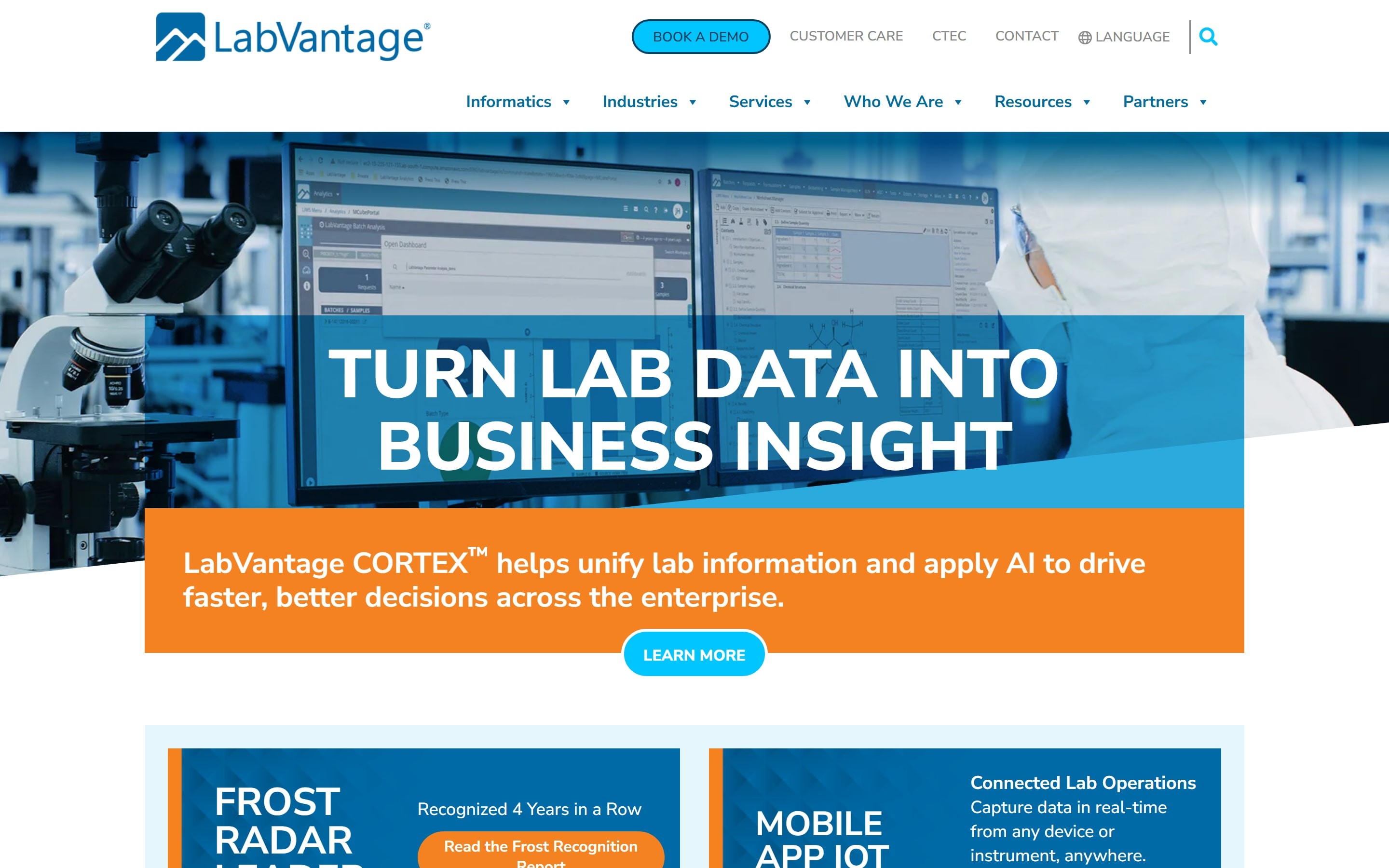
LabVantage is a cloud-based LIMS with embedded Electronic Lab Notebook (ELN), Laboratory Execution System (LES), and Scientific Data Management System (SDMS) functionality built into one platform.
LabVantage Key Features
- Full Sample Lifecycle Management: LabVantage manages samples from intake through disposal with modules for batch management, quality controls, consumables tracking, stability management, and scheduling.
- Embedded ELN, LES, and SDMS: LabVantage offers automated approval workflows, electronic signatures, audit trails, and instrument data capture to support regulatory compliance and data management.
- Automation and Self-Service Requests: Internal and external users submit, track, and manage test requests inside the platform, reducing manual data entry and improving workflow visibility.
Pricing
| Plan | Pricing |
|---|---|
| All plans | Custom |
Where LabVantage Shines
- Built for regulated testing: Supports high-volume workflows with audit-ready documentation and automation
- Role-based automation: Dashboards and workflows help reduce manual data entry and task management overhead
Where LabVantage Falls Short
- Enterprise-scale implementation: Deployment can require significant time and resources
- User interface friction: Some users report usability issues, including session timeout behavior
Customer Reviews
A user praises, “There are so many ways to input your data in the system and ways to organize it. It has the ability for you to pull all the data from the application to use to do a data review which is very convenient.”
Sri G. warns, “(…) The repeated cycle of deploying changes and then testing them inside the LIMS environment often feels slower than what I’m used to in modern web development workflows, and that can reduce development velocity when working on more complex customizations.”
Who LabVantage Is Best For
- Large regulated enterprises: Pharmaceutical, biotech, and diagnostic organizations running multi-site, high-volume testing
- Teams tired of vendor sprawl: Labs that want ELN, LES, and SDMS under one contract instead of three
4. LabWare: Best for Multi-Site Global Lab Networks
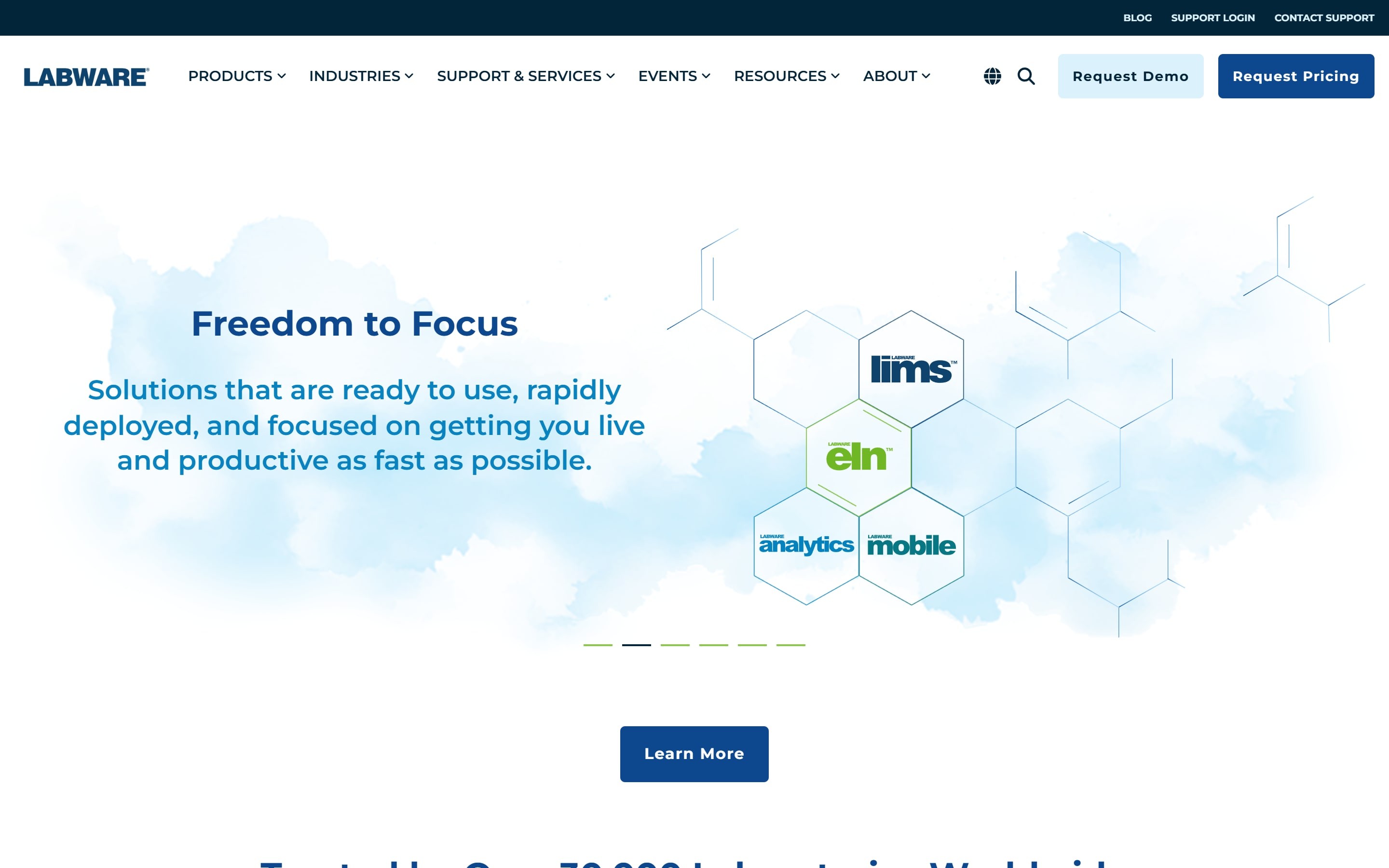
LabWare LIMS is a highly configurable, self-hosted platform built for complex, multi-site laboratory operations across regulated industries. It’s also available as a cloud-hosted or fully managed SaaS deployment, so labs that don’t want to run their own infrastructure get the same configurability.
Key Features
- Flexible Deployment as Self-Hosted, Cloud-Hosted, or SaaS: LabWare supports self-hosted, cloud-hosted, and SaaS deployments, including industry-specific products such as LabWare QAQC, ASSURE, and GROW. The SaaS offerings are SOC 2 certified and designed for faster implementation than traditional deployments.
- Structured Instrument and Enterprise Integration: LabWare’s Integration Platform connects instruments, MES, and enterprise systems using standards such as REST, MQTT, XML, ASTM, and HL7. That keeps integrations reliable while reducing manual data entry.
- Native ELN, Mobile, and Built-In Analytics: LabWare combines LIMS, ELN, mobile access, and analytics on one platform. Users access shared data, collect samples in the field, and run forecasting or anomaly-detection workflows without exporting data elsewhere.
Pricing
| Plan | Pricing |
|---|---|
| All plans | Custom |
Where LabWare Shines
- Broad industry coverage: Serves regulated sectors ranging from biopharma and CROs to environmental and forensic labs
- Strong traceability tools: Includes built-in batch tracking, COA generation, and KPI monitoring
Where LabWare Falls Short
- Steep configuration learning curve: Users describe how skipping vendor-recommended setup steps early on leads to costly rework later
- Resource-intensive administration: Expanding workflows and adding tests may require dedicated technical support
Customer Reviews
Rajni S. likes that LabWare is “easy to maintain inventories and Lab workflows with their Standard Procedures and Protocols. Easily integrate with ELN to achieve paperless lab.”
A verified user complains, “LabWare support is not always the most helpful in responding to queries, especially when it comes to bugs in LIMS Basic functions.”
Who LabWare Is Best For
- Global, multi-site enterprises: Organizations running lab networks across multiple locations and industries that need one configurable backbone
- Labs prioritizing chain-of-custody rigor: Forensics, environmental, and biobanking operations where documentation integrity is non-negotiable
5. Thermo Scientific SampleManager LIMS: Best for Labs Standardized on Thermo Fisher Instrumentation
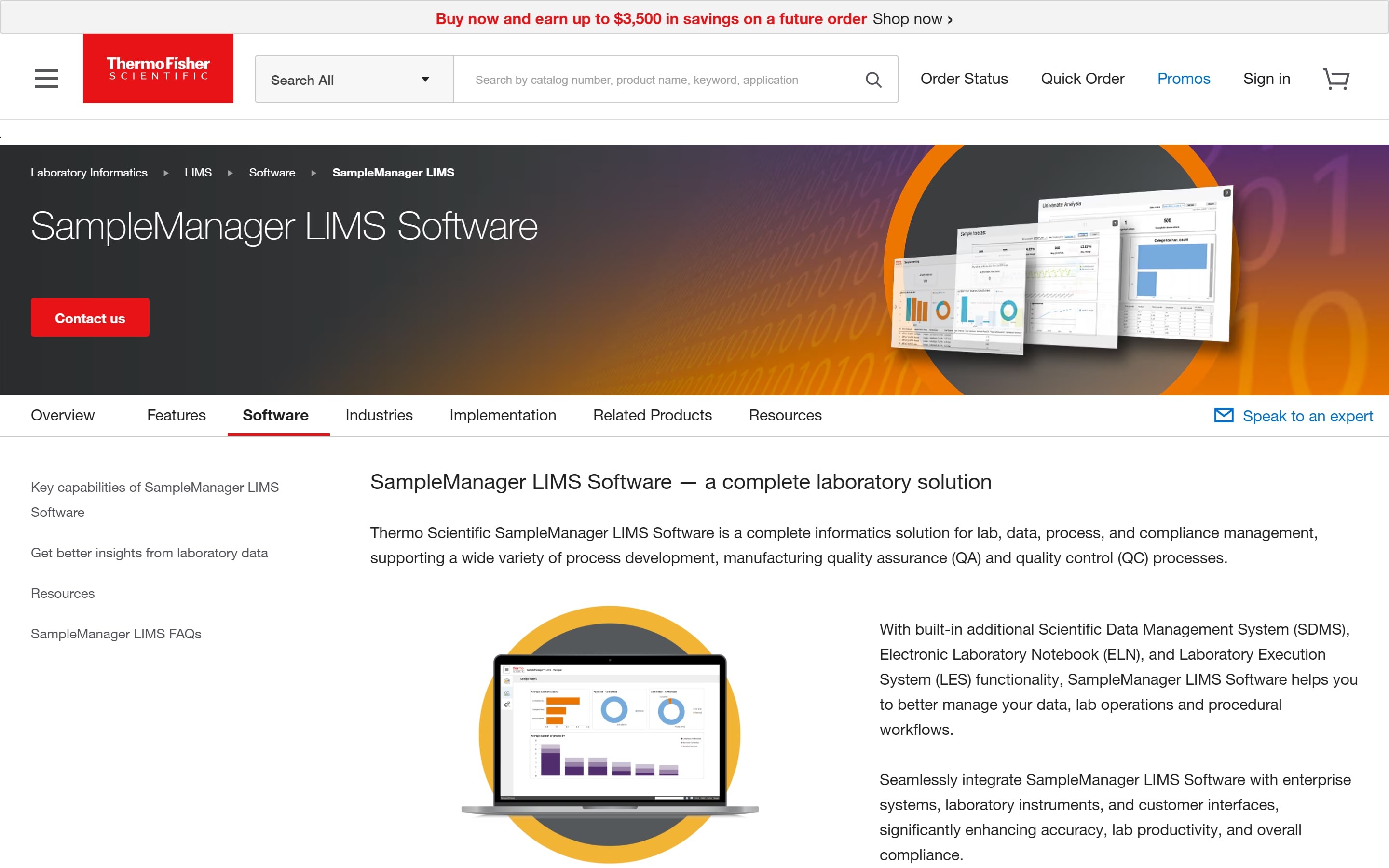
Thermo Scientific SampleManager LIMS bills itself as the world’s most widely deployed LIMS, with deployment options that include an AWS-hosted cloud environment, on-premises, or a customer’s own cloud.
Key Features
- Native Chromeleon CDS Integration: SampleManager integrates directly with Thermo Scientific Chromeleon CDS (Chromatography Data System), allowing chromatography data to flow automatically between systems while reducing manual data transfer and supporting compliance requirements.
- Data Analytics Solution With Pre-Built Dashboards: The platform includes pre-configured dashboards for resource utilization, inventory levels, lab performance, and operational status. Users can also drill into results and build predictive models from historical data.
- Flexible Deployment and Field Access: SampleManager supports AWS-hosted, on-premises, and customer-managed cloud deployments. Users can access the system through web, desktop, and tablet applications, while external clients can submit requests and download reports through a dedicated portal.
Pricing
| Plan | Pricing |
|---|---|
| All plans | Custom |
Where SampleManager Shines
- Flexible deployment options: Supports cloud, on-premises, and customer-managed cloud environments
- Built-in compliance support: Designed to meet GMP, ISO 17025, and FDA 21 CFR Part 11 requirements
Where SampleManager Falls Short
- Best suited to the Thermo ecosystem: Labs using other instrument vendors gain less integration value
- Not intended for diagnostic use: General-purpose product lines are not designed for in vitro diagnostic applications
Customer Reviews
Rajat Kumar S. praises, “Easy to use and easy to manage. We can store the data at one place and also access and transfer as per uses.”
A verified user complains, “Sample Manager had to be extremely customized to fit our lab’s needs. It’s so customized that it’s extremely finicky and can be difficult to navigate without causing issues to the software itself or our data.”
Who SampleManager Is Best For
- Thermo Fisher instrument users running chromatography-heavy testing: Labs that are already on Thermo Fisher chromatography and want native integration with Chromeleon and Thermo hardware
- Multi-site organizations needing deployment flexibility: Teams that need cloud, on-premises, or hybrid options under one LIMS contract
6. STARLIMS: Best for Regulated QC and Public Health Labs
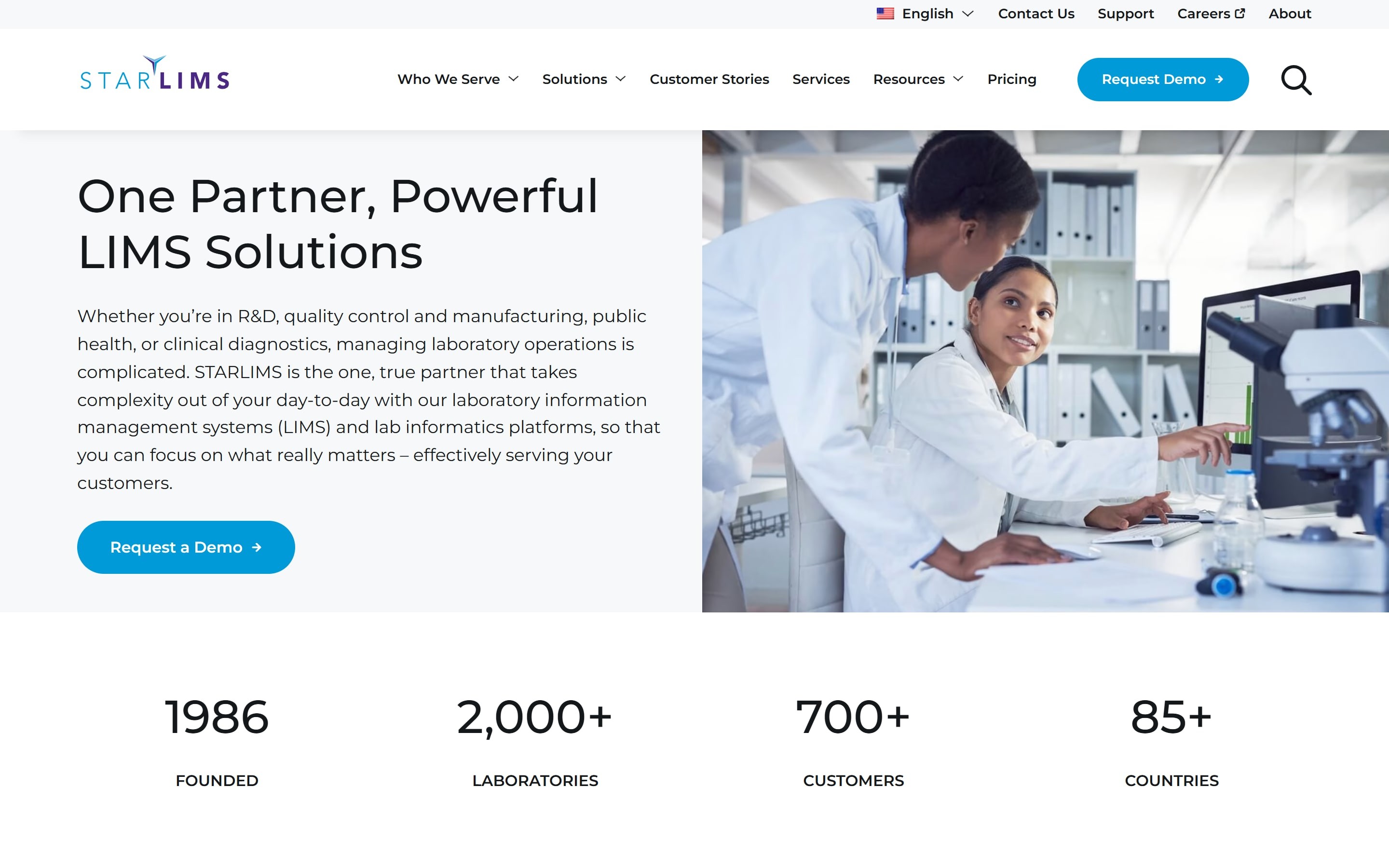
STARLIMS is a configurable LIMS built around standardized workflows, integrated quality controls, and regulatory compliance for chemistry, microbiology, molecular, and pathology labs. Its pitch centers on compliance depth across very different lab disciplines.
Key Features
- Regulatory Compliance and Quality Management: STARLIMS automates laboratory workflows while reducing manual data entry and transcription errors. Its platform combines LIMS, SDMS, LES, ELN, analytics, and mobile tools to support standardized processes, centralized compliance documentation, and audit-ready records across departments.
- Public Health LIMS Module: STARLIMS includes a dedicated Public Health LIMS module for managing specimen collection, testing, and lifecycle tracking. For state and regional public health labs handling high-volume testing during health events, this module provides consolidated, traceable records.
Pricing
| Plan | Pricing |
|---|---|
| All plans | Custom |
Where STARLIMS Shines
- Highly configurable workflows: Adapts to complex laboratory processes without extensive custom development
- Public health specialization: Includes a dedicated module for population-level specimen management
Where STARLIMS Falls Short
- Limited statistical analysis: Some users report exporting data to Excel for advanced analysis
- Broad platform scope: Labs seeking only sample tracking may find the full suite more extensive than necessary
Customer Reviews
Ali I. praises, “A comprehensive and customizable access to laboratory data management. It improves data integrity, simplifies workflow, and supports regulatory compliance.”
A verified user warns, “SDMS and ELN components of STARLIMS are not very user friendly and come with certain limitations. SDMS is susceptible to very minute changes in the files for instrument integration and parsing. It is a bit tedious to troubleshoot issues in ELN/SDMS.”
Who STARLIMS Is Best For
- Regulated QC and pharma labs: Organizations requiring validated, auditable sample traceability
- Public health laboratories: State and regional labs managing large specimen volumes
- Regulated industries: Life sciences, food and beverage, chemicals, clinical testing, CDMOs, and related sectors
7. Sapio Sciences: Best for Labs Wanting a Low-Code, AI-Forward LIMS
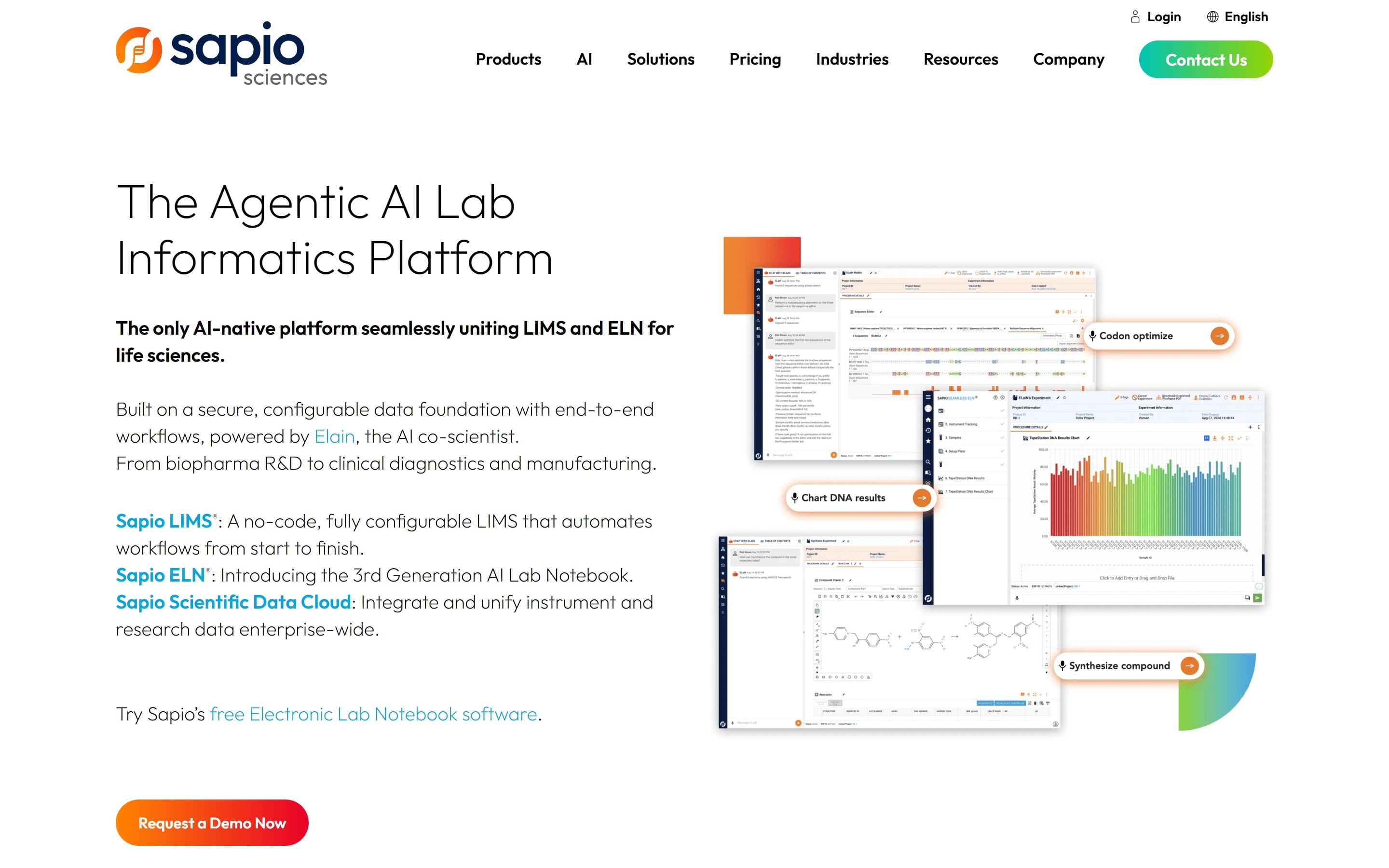
Sapio Sciences delivers an agentic AI lab informatics platform combining Sapio LIMS, an AI-powered ELN called ELaiN, and a Scientific Data Cloud in one configurable environment. Sapio’s pitch centers on removing the professional-services dependency that legacy LIMS platforms typically require.
Key Features
- No-Code Workflow Builder With AI Chat Assistant: Sapio’s drag-and-drop workflow builder and rules engine let labs configure workflows without coding. ELaiN adds a natural language assistant for creating templates and workflows.
- Full Sample Lineage and Chain of Custody: The platform tracks samples, materials, reagents, and related documents throughout the testing lifecycle, with built-in lineage and chain-of-custody records.
- Cloud-Native, Browser-Only Deployment: Sapio is fully cloud-based and requires nothing beyond a modern web browser. There is no client software to install, which reduces the barrier to adoption for labs moving away from spreadsheets or legacy LIMS for the first time.
Pricing
| Plan | Pricing |
|---|---|
| All plans | Custom |
Where Sapio Sciences Shines
- AI-assisted setup: ELaiN helps users create templates and workflows through natural-language prompts
- Tailored industry bundles: Preconfigured solutions support R&D, diagnostics, GMP, and other use cases on one platform
Where Sapio Sciences Falls Short
- Advanced features still require expertise: More complex integrations can be challenging for non-technical users
- Limited self-service training: Users report a steeper learning curve and fewer independent learning resources
Customer Reviews
Brett S. praises, “I really enjoy the rules engine in Sapio LIMS… It helps with granularity and makes the templates I create for experiments configurable and flexible. I find it allows for customization that is almost infinite.”
Anu S. complains, “I find the system slow, especially when running queries. It’s tough to handle large data in the front end application. Also, the reporting module should be separated from the actual LIMS for better performance.”
Who Sapio Sciences Is Best For
- Biopharma R&D, biotech, and CRO teams: Organizations that want samples, experiments, and data connected in one place without heavy custom development
- Labs without in-house developers: Teams that need a configurable LIMS they can manage without a dedicated technical resource
8. Benchling: Best for Biotech Teams Managing Scientific Design and Development
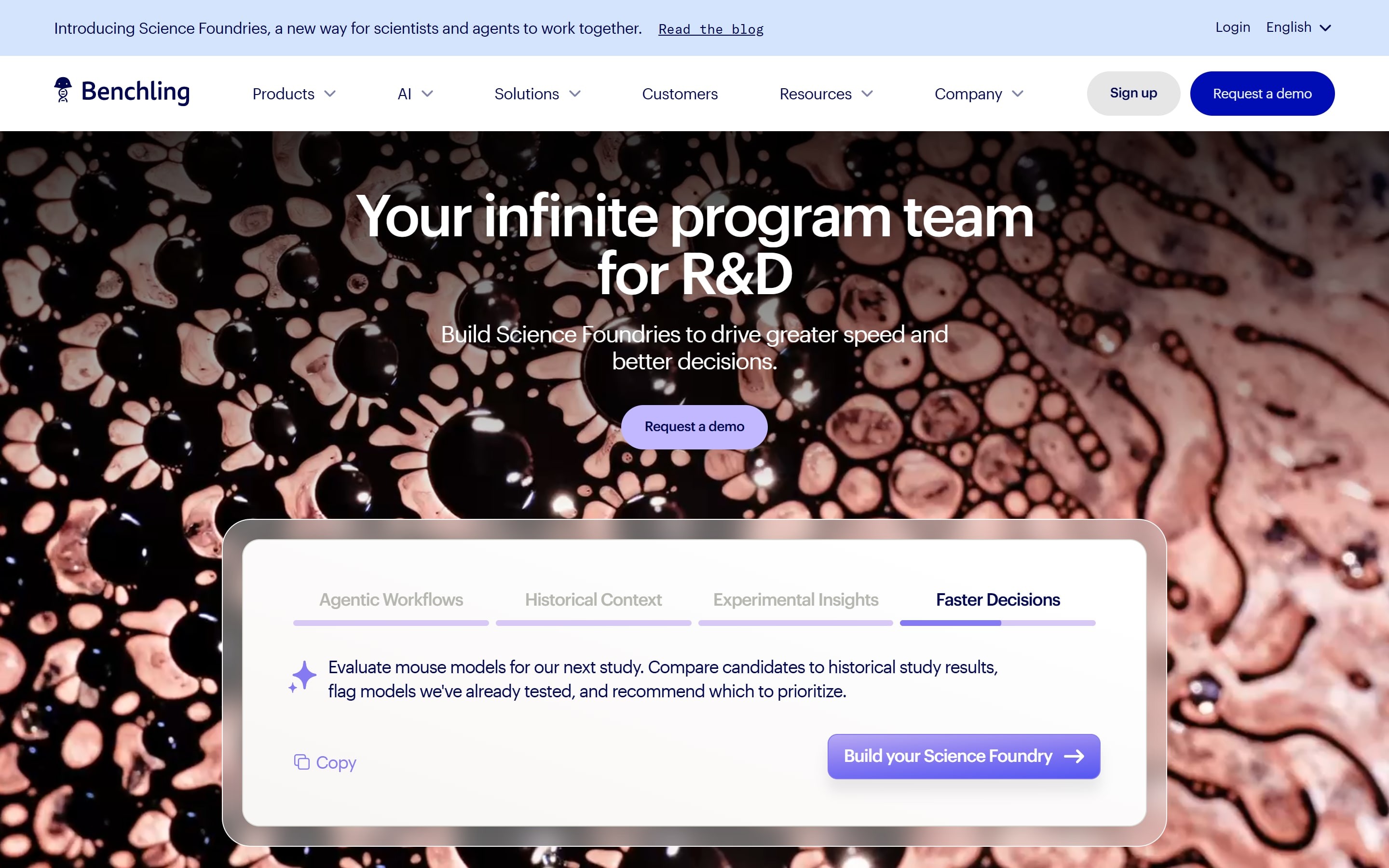
Benchling is a cloud-based platform that unifies an electronic lab notebook, molecular biology tools, and research data management, all linked to a central registry of biological entities. It helps biotech teams design, develop, and track biological materials throughout the R&D lifecycle.
Key Features
- Molecular Design and Sequence Analysis: Benchling provides tools for designing, editing, and analyzing DNA and protein sequences, helping research teams manage molecular design workflows and biological constructs.
- Inventory Linked to Entity Registry: Benchling tracks samples, containers, and storage locations while connecting each item to a central registry of biological entities. This helps maintain lineage, relationships, and traceability across research projects.
- Developer Platform and AI Agent: Benchling offers APIs, event-driven integrations, and data warehouse capabilities for connecting with other systems. Its AI assistant, Ask, can also surface information related to research data and experimental records.
Pricing
| Plan | Pricing |
|---|---|
| Academic / Small Teams | Free |
| Enterprise | Custom |
Where Benchling Shines
- Scientific design and development: Integrated tools for sequence design, molecular biology, and managing biological constructs
- Native biological entity tracking: Research materials stay linked to plasmids, proteins, and cell lines for better traceability
- Unified R&D platform: ELN, molecular design, inventory, and registry data share a connected platform
Where Benchling Falls Short
- Cloud-first architecture: Not suited for organizations with strict on-premises data storage requirements
- Steeper learning curve: The platform’s breadth and configuration options can require additional training for teams with simpler workflows
Customer Reviews
Nikita C. notes, “It’s nice to have all my electronic notebooks and protocols stored in one place. It’s also great for sharing them with peers.”
A verified user complains, “I disliked the use of benchling as a data and sample tracking system. It was very difficult to both use and navigate even after getting something more complex built out for our use. We ended up scraping our use it for that purpose.”
Who Benchling Is Best For
- Biotech and pharmaceutical R&D teams requiring lineage tracking for biological entities
- Organizations looking to manage samples, inventory, and lab documentation within a unified platform
9. SciSure: Best for Research Sample Tracking and Traceability
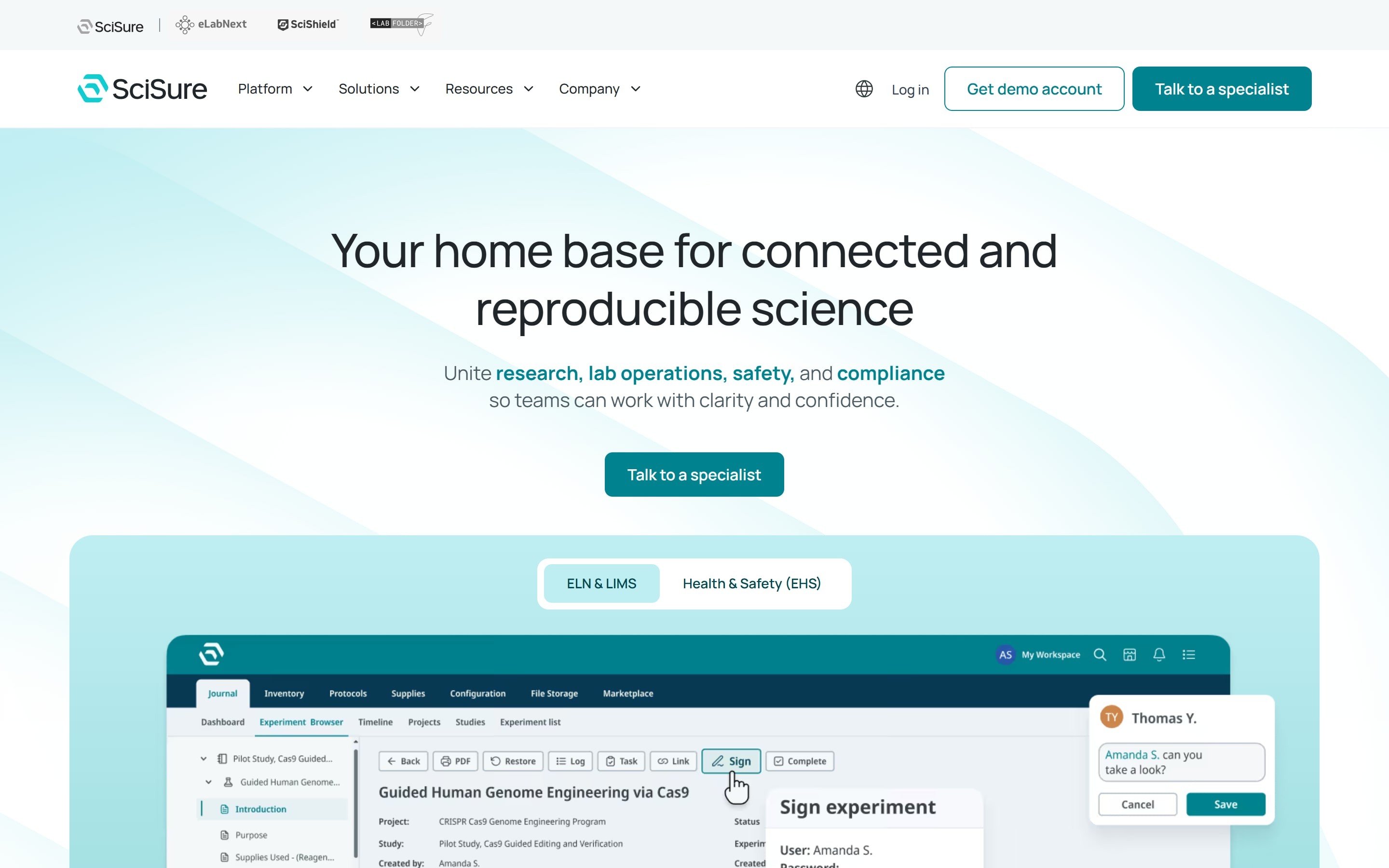
SciSure is a Scientific Management Platform that combines configurable sample management with connected research workflows.
It helps laboratories track samples throughout their lifecycle, from creation through long-term storage. Rather than treating samples as isolated inventory records, SciSure connects them to the experiments that produced or used them, preserving research context as materials move between researchers and storage locations.
Key Features
- Freezer and Cold Storage Management: Track samples across freezers, liquid nitrogen storage, cold rooms, and other storage environments using configurable hierarchies that identify exact locations, down to individual boxes and positions.
- Configurable Sample Tracking and Lineage: Define custom sample types and metadata, assign barcodes, and track relationships between original samples, aliquots, and derivatives, including samples with multiple parents.
- Connected Research Workflows: Link samples directly to experiments and electronic lab notebook (ELN) records, maintaining traceability between research activities, materials, and storage locations.
Pricing
| Plan | Pricing |
|---|---|
| SciSure LIMS | Contact SciSure for a quote |
Where SciSure Shines
- Sample-to-experiment traceability: Connects physical samples and storage locations with lineage information and associated experimental records, providing greater context throughout the research lifecycle.
- Flexible configuration: Custom sample types, metadata, and storage structures accommodate different laboratory workflows without forcing teams into one rigid model.
Where SciSure Falls Short
- Specialized clinical workflows may require evaluation: Laboratories with highly specialized diagnostic accessioning or reporting requirements should confirm that their workflows are supported.
- Some functionalities are add-ons: Certain advanced capabilities are available through optional add-ons rather than being included by default. Many are free, allowing labs to customize SciSure based on their specific needs.
Who SciSure Is Best For
- Academic, biotech, and R&D laboratories: Teams managing cell lines, tissue samples, DNA, proteins, and other valuable research materials across experiments.
- Labs with extensive freezer inventories: Organizations that need reliable location tracking, sample lineage, and connections between stored materials and experimental records.
How to Choose the Right Laboratory Sample Management Solution
The right platform depends on three things: how data enters your lab, how it moves once it’s there, and where it lives.
Will This Tool Work With What You Already Run?
Check this before anything else, because it decides your implementation timeline. Some solutions require on-premises infrastructure, some are cloud-only, and others support both. Those differences determine IT involvement and long-term maintenance costs.
The more important question is whether a new tool forces you to replace what already works. Onymos integrates via API with existing lab systems, so labs improve intake data quality without migrating their current stack.
→ See how Onymos fits your current stack without a rip-and-replace
Where Does Your Data Break Down First?
For most labs, the answer is intake. Every platform here tracks a sample’s chain of custody once it is logged into the system, but those records are only as reliable as the data captured at accessioning.
If a requisition is incomplete or misread on the way in, the chain of custody is faithfully tracking an error from the first step. When you evaluate vendors, ask each one how it validates sample and requisition data before that data enters the LIMS.
Onymos handles this through SmartSync, which validates and standardizes data during laboratory accessioning before it reaches any downstream system.
Ask Every Vendor Where Your Data Actually Lives
This is the most consequential question for any lab handling PHI (protected health information) and PII (personally identifiable information). Certifications and policy statements are not enough; you need to know where data is processed, where it is stored, and whether it passes through third-party environments.
Onymos’s No-Data Architecture keeps patient data inside the customer’s own infrastructure instead of routing it through Onymos-managed servers, which removes third-party exposure rather than insuring against it. The HIPAA-compliant automation checklist covers what to verify before any vendor touches PHI or PII.
→ See how Onymos catches intake errors before they reach your billing system
Final Word on Onymos
The best sample management software does not fix the problems that start before a sample is ever logged. Those problems start at intake, and no amount of downstream tracking corrects data that was wrong on the way in.
Onymos is built for labs that want to fix the problem where it begins. If your team processes high volumes of TRFs, loses revenue to claim denials caused by intake errors, or cannot scale specimen volume without scaling manual data entry, the fix is upstream of your LIMS.
See how DocKnow validates intake data before it reaches your systems
External sources
Healthcare Data Breach Statistics G2 review: Onymos G2 review: Qbench G2 review: Labvantage G2 review: Labware Lims G2 review: Thermo Scientific Samplemanager Lims Software G2 review: Starlims G2 review: Sapio Lims G2 review: Benchling