8 Best Data Reconciliation Tools in 2026 (Unbiased Review)
Compare the best data reconciliation tools in 2026. Explore automation platforms for data matching, validation, and workflow accuracy at scale.
- Onymos Team
- 21 min read

A single typo in a date-of-birth field or an insurance ID that doesn’t match the payer’s record can delay a lab order for days or trigger a claim denial weeks later.
The challenge is that no data reconciliation tool works in the same place in the exact same way. Some validate information as it enters the lab, others reconcile billing and claims data, and some give you the building blocks for custom reconciliation workflows across multiple systems.
This data reconciliation software comparison covers eight tools and where each one fits, so you can match the approach to your workflow rather than the most familiar name.
Compare the Best 8 Data Reconciliation Tools: Quick Overview
| Tool | Best For | Standout Feature | Price Starting Point |
|---|---|---|---|
| Onymos (DocKnow) | Clinical and diagnostic lab data reconciliation at intake | SmartSync AI reconciliation engine + No-Data Architecture | Custom, modular. Contact sales. |
| XiFin | Lab and diagnostic billing reconciliation inside revenue cycle management | AI-enabled rules engine with real-time exception visibility | Custom. Contact sales. |
| Waystar | Multi-specialty claims and remittance reconciliation | AltitudeAI generative appeal-letter automation | Custom. Contact sales. |
| LabVantage | LIMS-embedded data validation for regulated labs | Intelligent Approvals (exception-only review) | Custom. Contact sales. |
| MuleSoft Anypoint | Custom, API-level reconciliation across enterprise systems | API-led connectivity (System/Process/Experience API layers) | Usage-based subscription. Contact sales. |
| UiPath | Bot-driven document and data reconciliation | Document Understanding with active-learning model training | Consumption-based (free trial available) |
| Hyperscience | High-volume structured and handwritten document validation | Hypercell engine with FedRAMP High authorization | Custom. Contact sales. |
| ABBYY Vantage | Low-code document capture and reconciliation | 150+ pre-trained document “skills” | Custom, page-volume-based (free trial available) |
If your reconciliation problem starts at intake, before a test requisition form (TRF) or insurance card ever reaches your LIMS, the platform built specifically for that job is worth a closer look first.
→ See how DocKnow reconciles lab data before it reaches your LIMS
1. Onymos: Best for Clinical and Diagnostic Lab Data Reconciliation at Intake
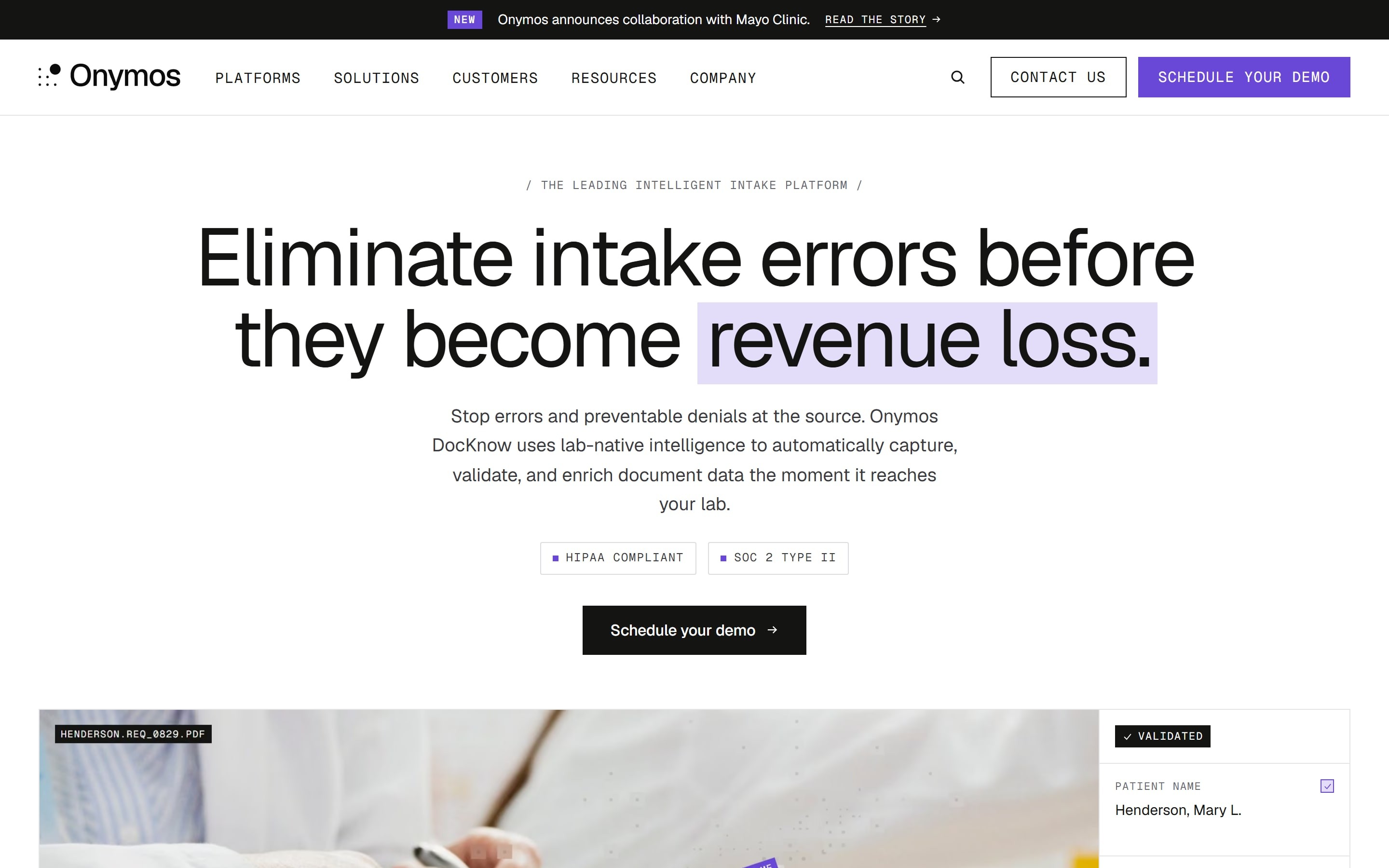
Onymos is the intelligent intake layer for clinical and diagnostic laboratories. Its flagship platform, DocKnow, captures, validates, and reconciles data from TRFs, insurance cards, and medical records before any of it reaches your LIMS, billing platform, or RCM system.
DocKnow is not a system of record. It sits upstream of the systems you already run and routes clean data to them, which is just one of the ways lab-specific intelligent document processing differs from generic OCR solutions.
Onymos Key Features
DocKnow’s reconciliation capability runs through four components that work together from the moment data enters your lab.
SmartSync: AI Data Reconciliation at Intake
SmartSync is Onymos’ proprietary AI engine for data reconciliation. It cross-references extracted field values across TRFs, insurance cards, medical records, and connected systems, flagging mismatches, missing fields, and conflicting information before they move downstream.
A missing insurance detail or mismatched physician identifier gets caught at intake instead of surfacing weeks later as a denied claim. SmartSync also performs insurance eligibility checks before a specimen is processed, helping labs identify coverage issues while there’s still time to resolve them.
Catching the error this early is how data reconciliation saves healthcare billions a year, since timely-filing limits start the clock the moment an incomplete claim moves forward.
No-Data Architecture: Zero Vendor PHI Exposure
No-Data Architecture is the security posture underlying every Onymos product. Onymos never accesses, stores, or processes customer data on its own infrastructure. Every TRF, extracted field, and patient record remains inside your environment, whether on-premises or in a private AWS, GCP, or Azure deployment.
This matters because more than half of healthcare data breaches trace back to third-party vendors, and removing Onymos from the data path removes that exposure point entirely.
The architecture also earned Onymos System and Organization Controls (SOC) 2 Type II and Health Insurance Portability and Accountability Act (HIPAA) certification, plus the 2024 Fortress Cybersecurity Award.
Synapse: The AI Engine Behind DocKnow
Synapse is the AI system running underneath DocKnow, including SmartSync reconciliation, eligibility checks, and compliance tracking. It also powers a Cognitive Insight Model (CIM) that goes beyond field-level matching to generate insights from a lab’s own operational data, including SOPs, reports, and connected systems.
Lab teams use it to surface clinical insights, build complex reports, and turn SOPs into real-time guidance for accessioning staff, all inside their own environment. Every eligibility decision and reconciliation action is logged with a field-level audit trail.
Onymos Pricing
| Plan | Details |
|---|---|
| Modular, custom pricing | Pricing is tailored to the DocKnow modules you use and your specimen volume. Contact Onymos for a quote. |
Where Onymos Shines
- Reconciliation before downstream errors: The payoff is financial. Errors caught at intake never become the denied claims and rework that a downstream tool can only clean up after the cost is sunk.
- Built for laboratory workflows: Because the validation is lab-native, a new team can run it without a data scientist tuning a general-purpose model to recognize a TRF.
Where Onymos Falls Short
- Not a system of record: DocKnow complements existing LIMS, LIS, and RCM platforms rather than replacing them, so you still need one of those systems downstream.
- Built specifically for labs: Organizations outside clinical and diagnostic testing may be better served by a broader data quality platform.
Onymos Customer Reviews
A verified user praises, “We’ve used Onymos solutions and services for two major projects. It has been an incredibly positive experience in every aspect. Team members are extremely knowledgeable, reliable, articulate, and accommodating.”
A verified user compliments the platform, stating, “Great partnership, quick turnaround, innovative solutions leveraging modern technologies. Willingness to be agile and customize solutions to meet business needs.”
Who Onymos Is Best For
- Lab directors at growing clinical or diagnostic labs, especially labs processing 250,000+ specimens a year that are losing revenue to denials traced back to bad intake data.
- RCM and billing leaders that want discrepancies resolved before claims are submitted.
- Compliance and bioinformatics leaders who need an audit trail while keeping PHI (protected health information) inside their own environment.
→ See how DocKnow reconciles lab data before it reaches your LIMS
2. XiFin: Best for Lab and Diagnostic Billing Reconciliation
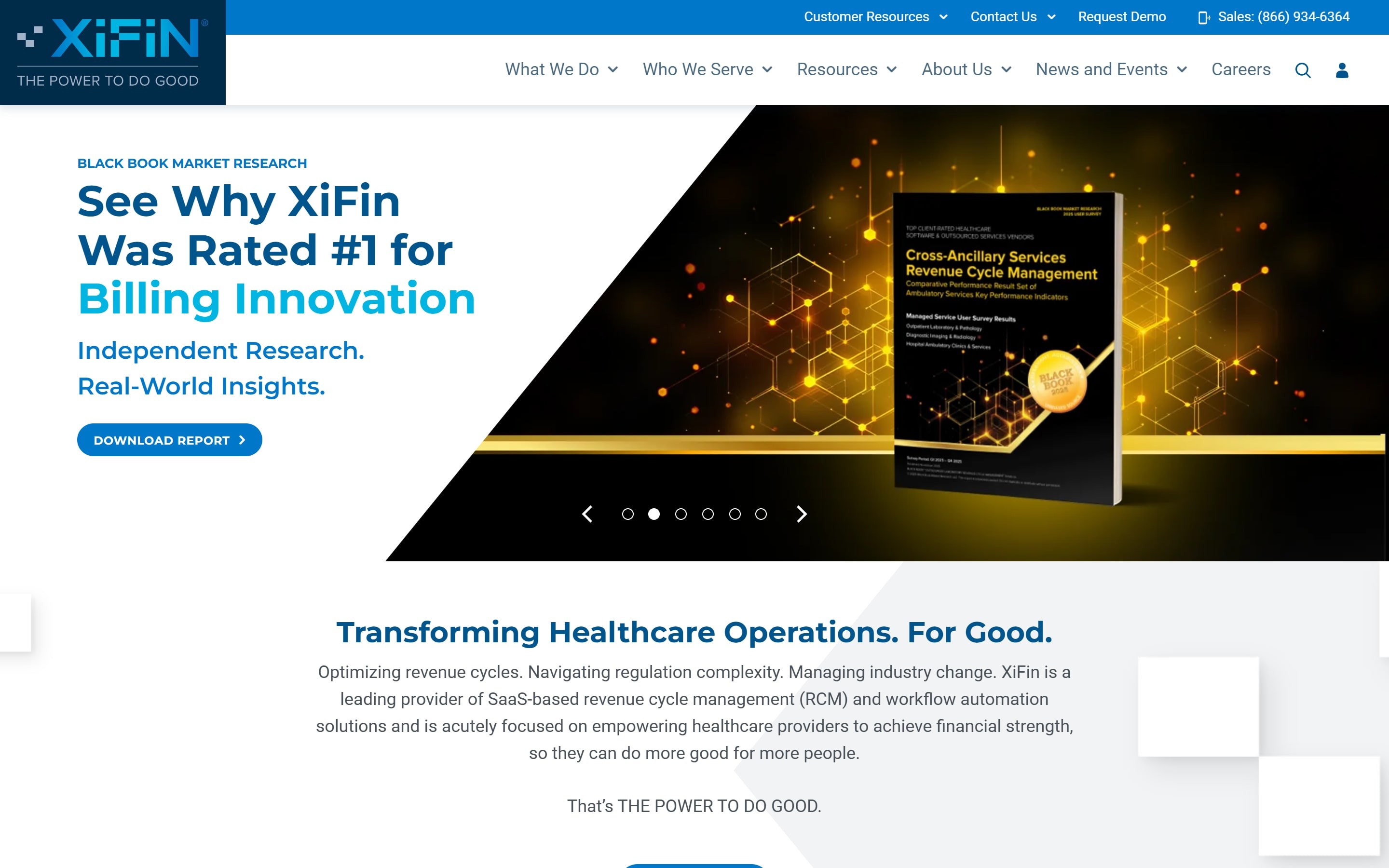
XiFin is an RCM platform built specifically for diagnostic providers, including labs, pathology practices, and molecular and next-generation sequencing providers. Its XiFin Empower RCM platform reconciles billing and claims data rather than intake data.
Key Features
- Rules-Based Claims Automation: XiFin applies configurable rules and built-in compliance logic to identify billing errors before claims are submitted. Teams can create rules around payer requirements, test codes, and diagnosis combinations, helping prevent common errors from reaching the claims stage.
- Real-Time Exception Visibility: When a claim triggers a rule, staff review the exception from a central dashboard. Instead of pulling separate reports, billers see what is held, why it was flagged, and what action resolves it.
- Empower AI Denial Analytics: XiFin’s Empower AI uses machine learning to identify denial patterns across payers, test codes, and ordering accounts. Teams pinpoint recurring denial causes and fix the underlying workflow instead of correcting the same claims one at a time.
Pricing
| Plan | Pricing |
|---|---|
| All plans | Custom |
Where XiFin Shines
- Diagnostic-specific RCM logic: Built around the specific billing patterns of hospital outreach labs, pathology practices, and molecular labs rather than generic medical billing.
- Faster path from flag to fix: Because the reason and the required action sit on the exception itself, billers resolve held claims without escalating to a supervisor or waiting on a report cycle.
Where XiFin Falls Short
- Focused on downstream reconciliation: XiFin reconciles billing and claims data, but intake and accessioning errors have to be addressed elsewhere.
- Implementation scope: Labs that want to fix one specific billing gap still implement the broader platform to get there.
Customer Reviews
Cristina M. praises, “Xifin was a pretty solid system for billing and entering patient demographics and for electronic claims submission. Our department used it to collect payments, enter patient info, submit claims.”
Lee L. complains, “The system is very confusing. And customer service requires a ticket for every issue. Even those when your system is down.”
Who XiFin Is Best For
- Lab billing teams that want denial prevention built into the claims workflow itself.
- Pathology and molecular diagnostics providers that need RCM logic tied to their specific test and reimbursement patterns.
3. Waystar: Best for Multi-Specialty Claims and Remittance Reconciliation
Waystar is a cloud-based healthcare payments platform that reconciles claims, remittances, and denials across many provider types, not just labs. It connects with 530+ hospital information system (HIS) and practice management (PM) systems and over 600 payers, serving hospitals, health systems, and physician and specialty practices.
Key Features
- Claim Manager: Waystar’s Claim Manager applies automated claim edits and scrubbing before submission. Teams configure custom rules around payer requirements, while AltitudeAI uses generative AI to create new rules from plain-language prompts, which helps organizations keep pace with changing payer policies.
- Denial and Appeal Management: Waystar uses predictive analytics to prioritize denied claims by recovery potential. AltitudeAI can generate appeal letters automatically, and built-in workflows let teams batch similar appeals and streamline submission to payers.
- Remit and Deposit Management: Waystar automates remittance reconciliation by flagging missing payments, inaccurate deposits, and posting discrepancies. It consolidates payment reporting across accounts, giving revenue cycle teams one view of cash flow and reconciliation activity.
Pricing
| Plan | Pricing |
|---|---|
| All plans | Custom |
Where Waystar Shines
- Less integration work for mixed environments: A practice running multiple EHRs and PM systems can usually connect without custom interface work, which shortens the path to first claims.
- Denials prioritized by recovery potential: Staff hours are spent on the claims most likely to pay, instead of being spread evenly across a denial queue.
Where Waystar Falls Short
- Focused on downstream workflows: Waystar reconciles claims, remittances, and denials after intake rather than validating source data before it enters the billing process.
- Alert and navigation volume: Reviewers report that the number of alerts, steps, and clicks can slow day-to-day work, especially during high-claim periods.
Customer Reviews
A verified user has mixed thoughts: “Like every other clearinghouse, they submit claims electronically efficiently. There are much better options that do not require hours and hours on the phone and emails trying to get overcharged invoices corrected.”
Who Waystar Is Best For
- Health systems and multi-specialty practices that need one platform reconciling claims across many payers and care settings.
- Revenue cycle teams that want automation around claim editing, denial management, and appeals rather than intake validation.
4. LabVantage: Best for LIMS-Embedded Data Validation
LabVantage is a cloud-based LIMS with embedded Electronic Lab Notebook (ELN), Laboratory Execution System (LES), and Scientific Data Management System (SDMS) functionality in one platform, serving pharmaceutical, biotech, diagnostic, and forensic labs across more than 1,500 global customer sites.
Key Features
- Full Sample Lifecycle Management: LabVantage manages samples from intake through disposal, including batch management, quality control, consumables tracking, stability studies, and scheduling. An integrated scheduler keeps sample status visible across studies, which reduces manual tracking and data inconsistencies.
- Embedded ELN, LES, and SDMS: LabVantage combines ELN, LES, and SDMS in a single platform. Automated approvals, electronic signatures, audit trails, and instrument integrations keep data consistent across laboratory workflows.
- Intelligent Approvals: Intelligent Approvals uses configurable rules to approve data that meets predefined criteria automatically while routing exceptions to reviewers. Teams spend their time on discrepancies instead of routine approvals.
Pricing
| Plan | Pricing |
|---|---|
| All plans | Custom |
Where LabVantage Shines
- One less vendor in the data path: Reconciliation inside the LIMS means no separate contract, integration, or security review for a standalone validation layer.
- Deployment flexibility: Available on-premises, in the cloud, or as SaaS, which suits labs with strict data residency requirements.
Where LabVantage Falls Short
- A full LIMS replacement, not an add-on: Adopting LabVantage for reconciliation means adopting its entire LIMS, a heavier lift than layering a reconciliation tool in front of your existing system.
- Customization requires technical depth: The platform’s SDK uses Groovy scripting for complex logic, which reviewers note can be cumbersome to debug.
Customer Reviews
A user praises, “There are so many ways to input your data in the system and ways to organize it. It has the ability for you to pull all the data from the application to use to do a data review which is very convenient.”
Sri G. warns, “(…) The repeated cycle of deploying changes and then testing them inside the LIMS environment often feels slower than what I’m used to in modern web development workflows, and that can reduce development velocity when working on more complex customizations.”
Who LabVantage Is Best For
- Multi-site labs and life sciences organizations that want reconciliation and validation built into their core LIMS rather than managed separately.
- Regulated environments that need configuration changes tracked with full audit and approval trails.
5. MuleSoft Anypoint Platform: Best for Custom, API-Level Reconciliation
MuleSoft’s Anypoint Platform is an enterprise integration platform as a service (iPaaS), not a reconciliation tool out of the box. Teams use it to build custom reconciliation logic across systems through API-led connectivity, organizing integrations into System, Process, and Experience API layers. Among the best data integration tools, it sits at the most flexible and most developer-heavy end of the range.
Key Features
- API-Led Connectivity: MuleSoft organizes integrations through System, Process, and Experience APIs. Reconciliation logic typically sits in the Process APIs, where teams apply business rules across multiple connected systems.
- Anypoint Monitoring: Anypoint Monitoring gives real-time visibility into API and integration health through configurable dashboards and alerts. Teams track data flow between systems, catch failures or latency spikes, and set threshold alerts before a reconciliation pipeline breaks silently.
- DataWeave Data Transformation: DataWeave is MuleSoft’s transformation language for mapping, filtering, and converting data between systems. Teams use it to standardize fields and apply matching logic across different schemas without building custom middleware for every integration.
Pricing
| Plan | Pricing |
|---|---|
| All plans | Custom |
Where MuleSoft Shines
- No ceiling on matching logic: Teams that have outgrown prepackaged rules can express reconciliation any way their data demands, which fixed-feature tools cannot match.
- Strong Salesforce ecosystem fit: Integrates directly with Salesforce, which matters if that is already core to your stack.
Where MuleSoft Falls Short
- Requires real development investment: This is middleware, not an out-of-the-box reconciliation tool, so you need developers with DataWeave and API design expertise to build anything.
- Cost scales with usage: Several reviewers note pricing becomes a meaningful budget line as flow and message volume grow.
Customer Reviews
Abhay K. commends, “MuleSoft offers strong DataWeave capabilities, along with features such as MuleSoft Vibe, IDP, and a wide range of connectors (…). Tools like Anypoint Manager and Access Control are particularly useful for API governance and day-to-day management.”
Samridhi B. warns, “The pricing feels quite steep for small to mid-sized businesses, which can make the platform less accessible. There’s also a fairly sharp learning curve for new users (…). On top of that, performance can lag when you’re dealing with more complex, high-volume integrations.”
Who MuleSoft Is Best For
- Enterprise IT teams with developer resources that want to build custom reconciliation logic across many systems, not just lab intake.
- Organizations already running Salesforce that need integration and reconciliation logic to extend from that ecosystem.
6. UiPath: Best for Bot-Driven Document and Data Reconciliation
UiPath is a robotic process automation (RPA) platform that reconciles data through orchestrated bots and workflows. Teams build automations that extract data from documents, apply business rules, route exceptions to human reviewers, and trigger downstream actions.
Key Features
- Document Understanding: Document Understanding extracts data from PDFs, images, handwritten forms, tables, checkboxes, and signatures, then feeds it into bot workflows for downstream processing. Low-confidence fields route to human reviewers instead of being accepted automatically.
- Active Learning: Rather than requiring a fully labeled dataset upfront, UiPath’s active learning framework improves extraction accuracy over time from corrections made during human review. Each correction feeds back into the model, reducing the share of fields that need manual review as the system processes more documents of the same type.
- Maestro Orchestration: Maestro is UiPath’s cloud-native orchestration layer that coordinates AI agents, robots, and human reviewers inside one auditable workflow. For reconciliation, that means extraction, validation, exception handling, and downstream updates run as connected steps in a single managed process.
Pricing
| Plan | Pricing |
|---|---|
| Basic | Starting at $25/month |
| Standard | Custom |
| Enterprise | Custom |
Where UiPath Shines
- Fits into existing automation programs: Teams already running UiPath bots add document reconciliation as a workflow step without adopting a separate platform.
- One workflow instead of handoffs: Keeping extraction, review, and downstream updates in a single orchestrated run removes the manual handoffs where reconciliation work usually stalls.
Where UiPath Falls Short
- Reconciliation is a byproduct of automation, not the core product: You build an RPA workflow that happens to include data matching, rather than buying a dedicated reconciliation tool.
- Pricing complexity: Consumption-based pricing across multiple unit types makes total cost harder to predict than a flat subscription.
Customer Reviews
Navim M. praises, “What I like most about Document Understanding is its ability to combine AI and rule-based extraction in a single, easy-to-use platform. It offers an end-to-end solution, from document classification to data extraction and validation (…).”
A verified user warns, “You often need to spend time training models, validating results, and fine-tuning extraction—especially for complex or low-quality documents. This can add extra effort before it works reliably.”
Who UiPath Is Best For
- Operations teams already running RPA that want to extend existing bots with document reconciliation rather than adopt a separate platform.
- Teams without native system integrations that need a bot to bridge systems manually.
7. Hyperscience: Best for High-Volume Structured and Handwritten Document Validation
Hyperscience is an intelligent document processing (IDP) platform built for high-volume extraction and validation, including handwritten forms. It focuses on getting accurate data out of documents at scale, with confidence-based routing that controls what passes through automatically and what a human reviewer sees.
Hyperscience Key Features
- Hypercell Extraction Engine: Hypercell is Hyperscience’s machine learning engine for extracting data from structured and semi-structured documents, including handwritten forms. It is built to hold accuracy at high document volumes without a proportional rise in manual review.
- Data Validation and Enrichment: After extraction, Hyperscience applies configurable validation rules to confirm extracted values are plausible and complete before they move downstream. It can enrich extracted data by cross-referencing external sources and flag fields that fail validation for human review instead of passing bad data through silently.
- Accuracy Harness and Confidence-Based Review: Rather than passing uncertain extractions downstream or flagging entire documents, Hyperscience lets teams set a specific accuracy service level agreement (SLA) as a required input. The platform then adjusts its models and QA workflows to hit that target.
Pricing
| Plan | Details |
|---|---|
| Custom | Pricing scales with document volume |
Where Hyperscience Shines
- Fewer documents stuck in manual review: Reliable handwriting capture means high-volume handwritten intake clears automatically instead of piling up in a reviewer’s queue.
- Federal-grade compliance stack: SOC 2 Type II, HIPAA, GDPR, CCPA, and FedRAMP High authorization fit highly regulated procurement requirements.
Where Hyperscience Falls Short
- General-purpose, not lab-specific: Hyperscience automates document workflows across industries, so it lacks the lab-specific validation logic built for TRFs and the red flags that show up in specimen accessioning.
- Semi-structured documents need more review: Reviewers note semi-structured extraction takes more manual involvement than fully structured documents.
Customer Reviews
Kaushik S. warns, “There is complexity with integration and deployment. The integration in your system requires a good amount of IT knowledge and complex IT environments. Apart from that, cost is also an issue for small startups unlike bigger organizations.”
Who Hyperscience Is Best For
- Large enterprises in finance, healthcare, or government that need a general-purpose IDP platform with federal compliance certifications.
- Organizations processing high volumes of handwritten documents outside the clinical lab intake use case.
8. ABBYY Vantage: Best for Low-Code Document Capture and Reconciliation
ABBYY Vantage is an intelligent document processing platform that combines OCR, machine learning, and low-code automation to extract data from structured, semi-structured, and unstructured documents. It supports both cloud and on-premises deployment.
Key Features
- Pre-Trained Skill Library: Vantage’s ABBYY Marketplace includes 150+ pre-trained document skills covering invoices, purchase orders, contracts, identity documents, and more. Each skill is a self-contained extraction model that deploys without custom training.
- Low-Code Skill Designer: For document types the pre-trained library does not cover, Vantage provides a low-code designer that lets non-developers configure new extraction models by defining fields and supplying sample documents.
- RPA and Automation Platform Integrations: Vantage integrates natively with UiPath, Blue Prism, Microsoft Power Automate, and other automation platforms, which makes it a document-capture layer feeding structured data into an existing RPA stack rather than a standalone system.
Pricing
| Plan | Details |
|---|---|
| Custom | Licensed via core cognitive skills or trained skills based on page transaction volume |
Where ABBYY Vantage Shines
- Live faster on standard documents: For invoices, IDs, and contracts, a team skips model training entirely and processes documents on day one.
- Strong multilingual OCR: Long-standing OCR technology handles a wide range of languages and document qualities.
Where ABBYY Vantage Falls Short
- Reconciliation requires pairing with other tools: Vantage extracts and classifies, but cross-system reconciliation logic typically gets built through its RPA integrations.
- Setup time for custom document types: Reviewers note initial setup and training can be slow outside the pre-trained skill library.
See how unstructured data analytics tools can help teams validate document data before it reaches downstream systems.
Customer Reviews
Dharamveer P. warns, “…initial setup and configuration can take time, especially when training models for specific document formats. For new users, the interface and configuration process may feel a bit complex. In some cases, fine-tuning is required to achieve the best accuracy for highly customized documents.”
Who ABBYY Vantage Is Best For
- Enterprises with existing RPA investments that need a document-capture layer to feed structured data into bots.
- Teams processing high volumes of standard document types (invoices, contracts, IDs) where pre-trained skills cover most of the need.
How to Choose the Right Data Reconciliation Software
The right data reconciliation tool depends on where in your workflow reconciliation actually needs to happen, how much you want to build yourself, and where your data sits while it is processed.
Where Does Reconciliation Need to Happen?
Usually, it happens at intake, before data reaches any downstream system. Other tools reconcile inside billing, inside a LIMS, or as a custom layer you build and maintain, which means errors get cleaned up after they have already propagated.
DocKnow’s SmartSync engine reconciles at intake specifically, so a mismatched field is caught before it ever reaches billing, compliance, or clinical workflows. That is the difference between preventing an error and chasing it.
→ See how SmartSync catches mismatches before they reach billing
How Much Custom Development Can Your Team Support?
Be honest about this before anything else, because it rules tools in or out. Platforms like MuleSoft, UiPath, and ABBYY Vantage are flexible because they are building blocks, not finished reconciliation products, and that flexibility needs developers to design and maintain the matching logic.
DocKnow ships with SmartSync’s reconciliation logic already built for lab-specific document types, so there is no custom development to get started.
Where Does Your Sensitive Data Live During Processing?
This is the most consequential question for any lab handling PHI and PII. Tools that process documents on vendor-hosted infrastructure add a third-party exposure point, which matters given how often healthcare breaches trace back to vendors rather than the covered entity.
DocKnow’s No-Data Architecture keeps all data inside your own environment throughout processing, which removes that exposure point and simplifies HIPAA risk assessments.
Does the Tool Understand Your Specific Document Types?
A generic IDP platform can be trained to recognize a TRF, but it does not understand what a missing physician national provider identifier (NPI) or a mismatched insurance ID means for a lab’s downstream billing. DocKnow’s validation logic is built for lab accessioning and the RCM gaps that follow from the start, not adapted from a general document platform after the fact.
→ See where SmartSync fits into your existing intake workflow
Improve Data Accuracy and Eliminate Manual Work With Onymos
Most of the tools on this list reconcile data after it has entered a downstream system and already caused a problem inside billing, a LIMS, or a pipeline your team has to build and maintain.
DocKnow reconciles it at intake instead, so a mismatched insurance ID or a missing physician identifier is caught before it becomes a denied claim or a laboratory compliance gap. If your lab is processing high specimen volumes and losing revenue to errors that started at accessioning, that is the problem worth solving first.
→ See how DocKnow stops intake errors before they reach billing
External sources
Healthcare Data Breach Statistics G2 review: Onymos G2 review: XIFIN RPM G2 review: Waystar G2 review: LabVantage G2 review: MuleSoft Anypoint Platform G2 review: UiPath Document Understanding G2 review: Hyperscience G2 review: ABBYY Intelligent Document Processing