7 Best Unstructured Data Analytics Tools & Solutions in 2026
The top unstructured data analytics tools include Onymos, Databricks, and Elastic, each handling text, images, and video at scale with AI-driven processing.
- Onymos Team
- 22 min read
Most of what a business knows never makes it into a report. It sits in PDFs, scanned forms, emails, images, and handwritten notes, the unstructured files that traditional analytics tools can’t read. Getting it out usually means manual data capture, brittle scripts, or both.
Unstructured data analytics tools fix that by turning these kinds of files into clean, structured data you or your connected systems can query and act on. This guide compares the seven strongest options in 2026, showing what each one does, where it falls short, and which type of team it fits, so you can pick the right one without testing all of them yourself.
Compare the Best Unstructured Data Analytics Tools: At a Glance
| Tool | Best For | Standout Feature | Price Starting Point |
|---|---|---|---|
| Onymos | Clinical and diagnostic lab document intake | SmartSync data reconciliation with No-Data Architecture | Modular, custom pricing |
| Databricks | Unified data, analytics, and AI on one platform | ai_parse_document SQL function with Unity Catalog governance | Free trial; usage-based pricing |
| Snowflake | SQL-based analytics across text, image, and audio | Cortex AI Functions (AI_EXTRACT, AI_PARSE_DOCUMENT) | Usage-based; $2.00 per AI credit |
| Elastic | Search and analytics across structured and unstructured data | Hybrid and vector search on one retrieval platform | Standard tier from $99/month |
| Amazon Textract | Per-page document extraction on AWS | Analyze Document API (Forms, Tables, Queries, Signatures) | Pay-per-page; 3-month free tier |
| Google Document AI | Custom document extractors on Google Cloud | Custom Extractor tuned with as few as 10 documents | Pay-per-page; OCR from $1.50/1,000 pages |
| IBM watsonx.data | Hybrid lakehouse unifying structured and unstructured data | Unstructured data integration with embedded governance | SaaS or self-managed; custom pricing |
Most platforms here help you analyze unstructured data once it’s already inside your environment. Onymos works a step earlier, making sure the data attached to a document is correct and complete before it reaches the systems that depend on it. For labs, this is the difference between catching a problem and paying for it.
→ See how Onymos validates document data before it reaches your systems
Onymos: Best for Clinical and Diagnostic Lab Document Intake
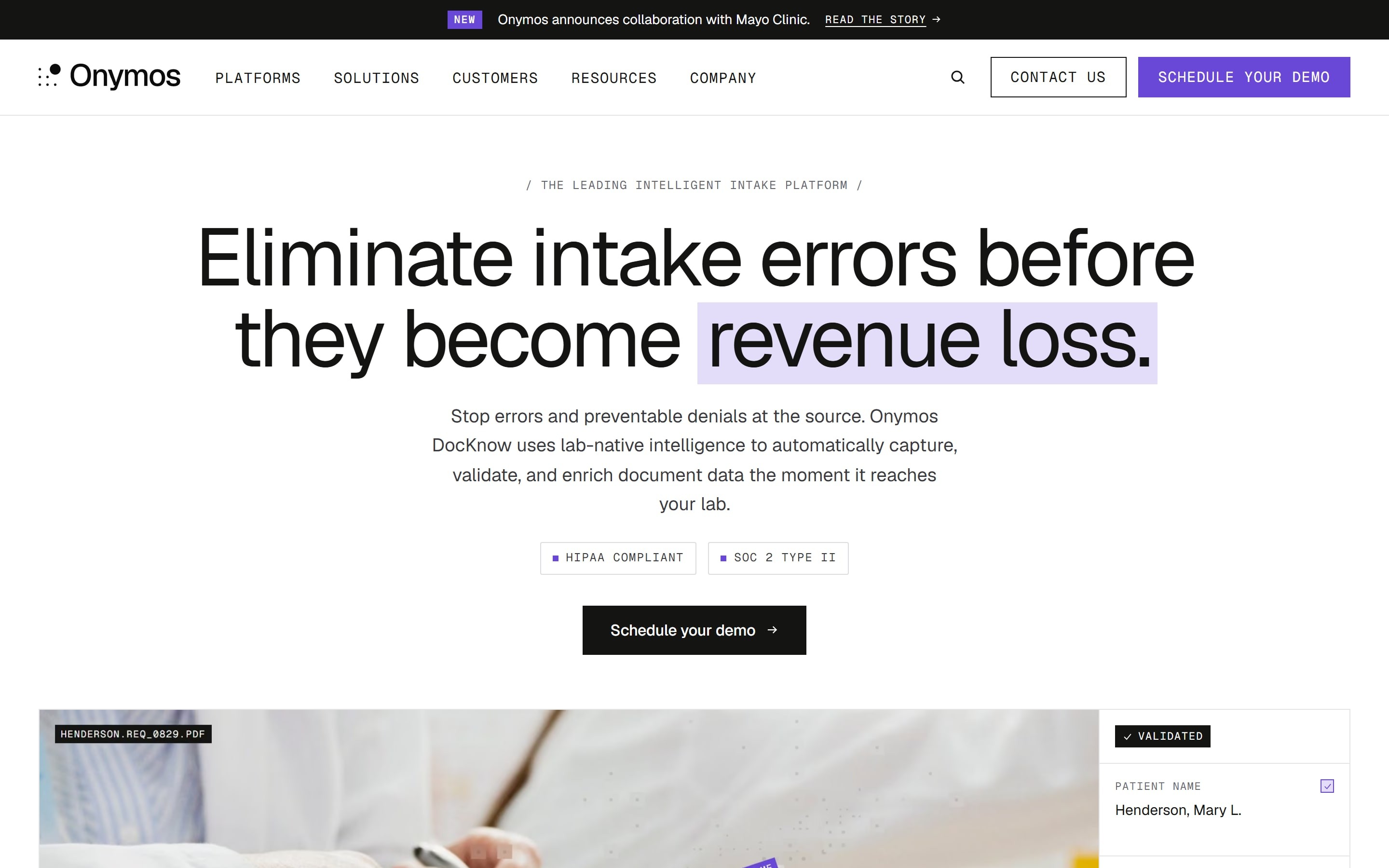
Onymos is an intelligent intake layer purpose-built for clinical and diagnostic laboratory operations. Its platform, DocKnow, reads the unstructured and semi-structured documents that arrive with every specimen, then captures, validates, and standardizes the data before it moves into a Laboratory Information Management System (LIMS), billing platform, or analytics tool.
What sets Onymos apart in this list is where it operates and how it handles your data. It sits upstream of your existing systems rather than replacing them, and it runs on a No-Data Architecture, meaning Onymos never accesses, captures, or stores your data. Everything stays inside your own environment, whether that’s on-premises or in your private cloud.
Onymos Key Features
DocKnow combines three distinct capabilities that handle the work between a document arriving and clean data reaching your systems. Each one targets a different point of failure in lab intake: reading the document, reconciling its data, and keeping that data secure.
SmartSync Data Reconciliation
SmartSync is the AI-powered data reconciliation engine inside DocKnow. It compares every extracted value against supporting documents and connected systems, then flags missing, mismatched, or conflicting information before that data is passed downstream.
SmartSync catches errors at the source. A test requisition form (TRF) that lists a physician identifier one way while the connected system lists it another gets flagged at intake, not after a claim is denied. For labs, this matters because timely-filing limits give payers a 90 to 180-day window, and an error caught early is a claim saved rather than chased.
DocKnow handles the document types labs deal with every day, such as TRFs, medical records, pathology reports, insurance cards, face sheets, lab results, and remittance advice. It supports PDFs, TIFFs, JPEGs, PNGs, and other common formats, including multi-page and handwritten documents.
Synapse and the Cognitive Insight Model
Synapse is the AI system that powers every DocKnow capability, from data extraction and SmartSync reconciliation to upfront eligibility checks and compliance tracking. It also includes a Cognitive Insight Model (CIM), a domain-specialized AI rather than a general-purpose large language model (LLM).
The CIM lets lab teams query their own documents and data through natural language, surface clinical insights, build complex reports, or turn a lab’s standard operating procedures (SOPs) into real-time guidance for operations staff. Because Synapse runs inside the customer’s own infrastructure, it never exposes data to Onymos or any third party.
No-Data Architecture
Onymos software is built on its award-winning No-Data Architecture. The platform never accesses, captures, or stores customer data, so all protected health information (PHI) and extracted records remain exclusively within the customer’s own environment.
This is a structural choice with a clear reason behind it. Over 55% of healthcare data breaches happen through third-party vendors, so keeping data out of vendor systems removes an entire category of risk rather than just managing it. The approach earned Onymos the 2024 Fortress Cybersecurity Award, and the platform is also SOC 2 Type II certified and HIPAA compliant.
Onymos Pricing
| Plan | Details |
|---|---|
| Modular, custom pricing | Choose and purchase only the solutions or features your lab needs, with pricing tailored to your specimen volume. Contact Onymos for a quote. |
Where Onymos Shines
- Errors are caught before they cost money: Because validation happens at intake, a coverage problem or data mismatch surfaces before the specimen is processed, rather than after a claim is denied and the filing window has narrowed.
- Patient data never leaves your environment: With nothing stored on vendor servers, HIPAA risk assessments and security reviews get simpler, since there’s no third-party data exposure to account for.
- It works without ripping out your stack: Onymos plugs in front of whatever LIMS, billing platform, or RCM system you already run, so adopting it doesn’t mean migrating systems.
Where Onymos Falls Short
- It isn’t a system of record: DocKnow validates and routes data, but it doesn’t track samples, manage results reporting, or store records long-term, so you still need lab sample management software such as a LIMS or LIS downstream.
- It’s narrowly focused on labs: Onymos was built for clinical and diagnostic laboratory workflows, so organizations outside that space will be better served by a general-purpose unstructured data platform.
Onymos Customer Reviews
A user praises, “Great partnership, quick turnaround, innovative solutions leveraging modern technologies. Willingness to be agile and customize solutions to meet business needs.”
Another user commends, “We’ve used Onymos solutions and services for two major projects. It has been an incredibly positive experience in every aspect. Team members are extremely knowledgeable, reliable, articulate, and accommodating.”
Who Onymos Is Best For
- Lab directors at growing clinical or diagnostic labs: Especially those scaling specimen volume and losing revenue to denials that trace back to intake errors.
- RCM and billing leaders: Anyone who wants data discrepancies resolved before claims are submitted rather than after they’re denied.
- Compliance and security teams: Teams that need an audit trail and want PHI to stay inside their own infrastructure.
→ See how DocKnow reconciles lab data before it reaches your LIMS
Side note: Labs still running intake on paper and spreadsheets feel the cost of bad data soonest since every error is caught by hand, if caught at all. Automating intake tends to surface unexpected gains once it’s in place.
2. Databricks: Best for Unified Data, Analytics, and AI
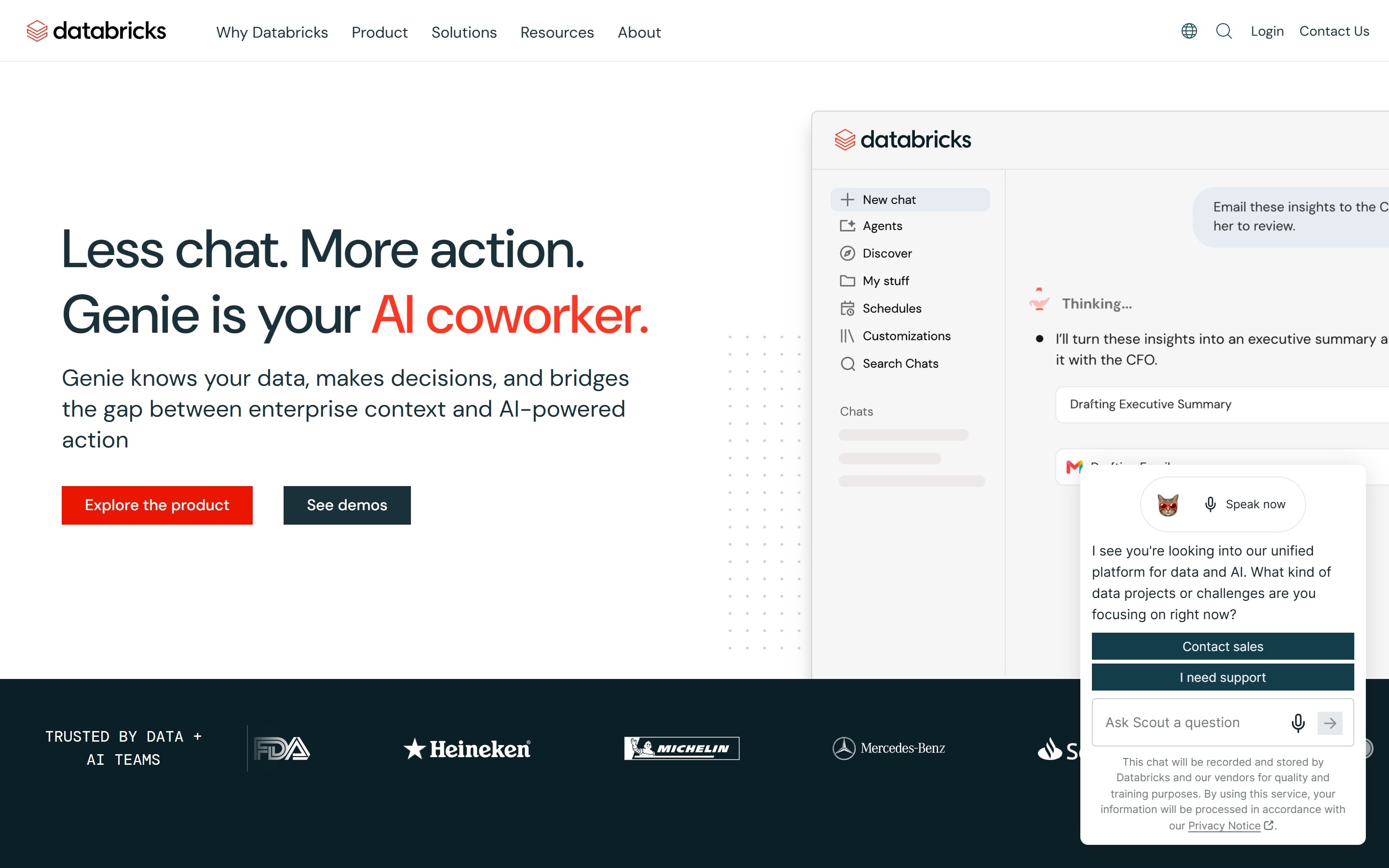
Databricks offers a unified platform for data, analytics, and artificial intelligence, built on a lakehouse architecture that combines the openness of a data lake with the management features of a data warehouse. For unstructured data, the appeal is that parsing, analysis, and ML can happen in the same governed environment that already holds a company’s structured data.
Key Features
- ai_parse_document: The ai_parse_document function converts unstructured files into structured representations through a single SQL function. It handles complex inputs like scanned images, handwriting, and variable layouts while preserving document structure such as nested tables and headers.
- AI Functions: Alongside parsing, Databricks provides SQL-callable AI functions, including ai_extract, ai_classify, ai_summarize, and ai_query. These let data teams extract entities, classify content, and summarize text directly in SQL.
- Unity Catalog Governance: Unity Catalog provides unified governance and discovery across structured data, unstructured files, ML models, and business metrics. For document processing, that means a single place for access policies, lineage, and auditing, with the same attribute-based controls applied to documents that already govern structured tables.
Pricing
| Plan | Details |
|---|---|
| Free trial, then usage-based | Paid usage is consumption-based and varies by workload, compute, and cloud provider. Contact Databricks for a quote. |
Where Databricks Shines
- One platform for the whole data estate: Parsing, analytics, and ML run alongside each other, so unstructured documents become queryable datasets without leaving the environment.
- Governance carries over to documents: The same access controls, lineage, and auditing that govern structured data extend to unstructured files through Unity Catalog.
- SQL lowers the barrier: Document parsing and extraction run through SQL functions, putting them in reach of data teams rather than only specialized data scientists.
Where Databricks Falls Short
- It’s a platform, not a turnkey tool: Getting value from unstructured data on Databricks assumes a data team comfortable building and operating pipelines.
- No industry-specific validation out of the box: Databricks parses and extracts generically; domain-specific reconciliation logic, such as matching a TRF against an insurance record, is something you build yourself.
Customer Reviews
Konjengbam M. praises, “I love this platform for its capability to handle big pool of data efficiently. I love the idea of Data Lakehouse of this platform. The Collaborative work supported by this platform greatly enhances productivity and team work.”
Raj P. complains, “The biggest pain point is definitely when (…) the cluster takes 5 to 10 minutes to spin up. Also, the pricing and DBU (Databricks Unit) model can be confusing to wrap your head around, and costs quickly spiral if you forget to set up auto-termination properly.”
Who Databricks Is Best For
- Data engineering and data science teams: Organizations that already run a lakehouse or want one and need to fold document processing into existing analytics and ML pipelines under unified governance.
3. Snowflake: Best for SQL-Based Analytics Across Text, Image, and Audio
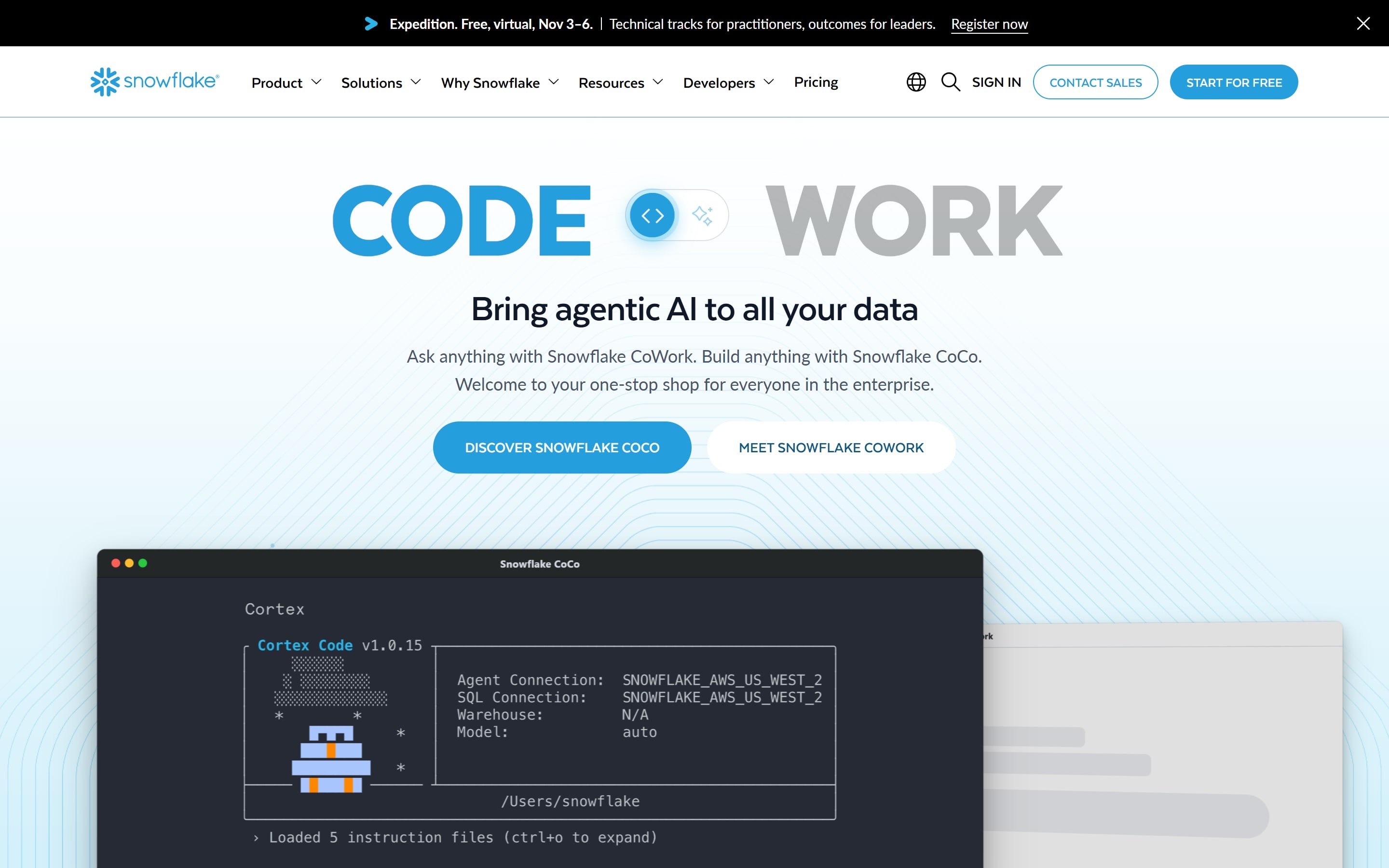
Snowflake is a cloud data platform whose Cortex AI suite brings large language models directly to where a company’s data already lives. For unstructured data, Cortex lets teams process documents, images, and audio inside Snowflake’s security perimeter using SQL without standing up separate AI infrastructure or moving data out.
Key Features
- Cortex AI Functions: Cortex provides SQL functions purpose-built for document work. AI_PARSE_DOCUMENT converts digital-native or scanned documents into rich text while preserving layout. AI_EXTRACT pulls structured fields from a schema and reads text, tables, checkboxes, and handwriting, while AI_CLASSIFY routes mixed document streams to the right downstream workflow.
- Multimodal Processing: Cortex AI handles text, images, and audio in the same environment. Functions like AI_TRANSCRIBE convert spoken audio into searchable text, and multimodal completion lets teams analyze images through SQL.
- In-Perimeter Governance: Every interaction is processed within Snowflake’s security perimeter and governance model. Role-based access control (RBAC) governs which models and data each user can reach, and Snowflake states it never uses customer data to train the models available to its customer base.
Pricing
| Plan | Details |
|---|---|
| Usage-based with AI credits | Snowflake bills AI inference through AI credits starting at $2.00 per credit globally, alongside standard warehouse compute and per-document Document AI processing. Contact Snowflake for a quote. |
Where Snowflake Shines
- Analysts can use it directly: Unstructured data work happens in SQL, so the people who already query Snowflake can extract and classify documents without new tools.
- Text, image, and audio in one place: Multimodal functions handle several data types within the same platform, reducing the need for separate specialized services.
- Data stays governed: Processing happens inside Snowflake’s perimeter under existing RBAC and governance policies.
Where Snowflake Falls Short
- Costs scale with usage: AI credits, warehouse compute, and per-document processing stack up, so heavy workloads need careful cost monitoring.
- General-purpose by design: Cortex extracts and classifies broadly, without the industry-specific validation logic a regulated workflow may require.
Customer Reviews
Pankaj K. praises, “Snowflake lets me extract data easily and efficiently, and its clear UI/UX makes it simple to navigate while understanding the structure of databases and tables.”
Harshil A. warns, “What I dislike most about Snowflake is that costs can sometimes be difficult to predict, especially when compute resources are scaled up or used inefficiently.”
Who Snowflake Is Best For
- Analytics teams already on Snowflake: Organizations that want to analyze documents, images, and audio alongside their structured data using SQL, without adding separate AI infrastructure.
4. Elastic: Best for Search and Analytics Across Structured and Unstructured Data
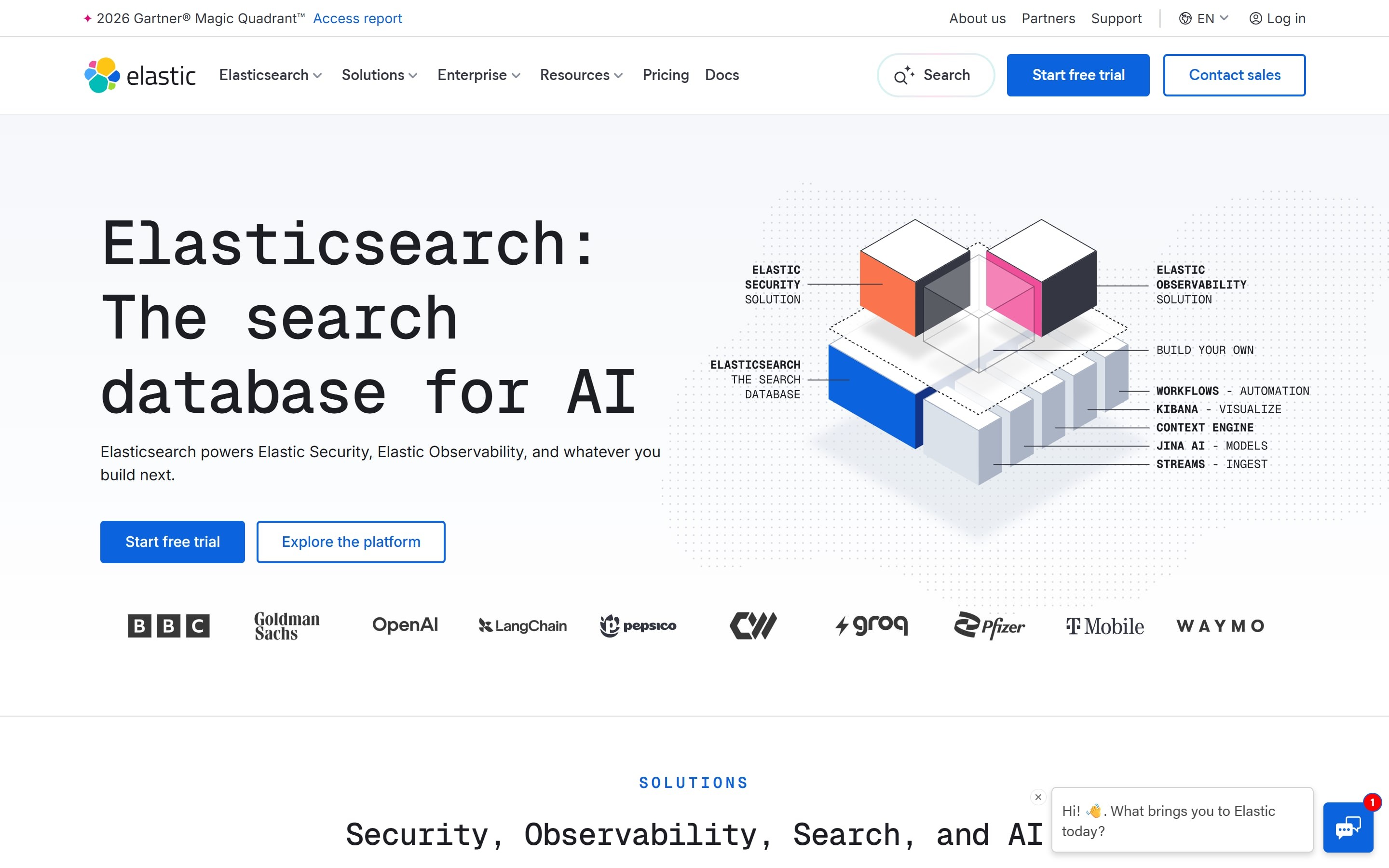
Elasticsearch is an open-source distributed search and analytics engine built for speed and scale. As a retrieval platform, it stores structured, unstructured, and vector data together, delivering hybrid and vector search while powering observability, security analytics, and AI-driven applications.
Key Features
- Hybrid and Vector Search: Elasticsearch combines full-text, keyword, vector, and structured search in a single platform. Text, image, and multimodal vectors live under one API, so applications can retrieve and rank structured and unstructured data with precision.
- Real-Time Analytics: The engine analyzes data in real time using its ES|QL query language, categorization, and fast filtering. It aggregates and transforms high-cardinality data quickly, which is why it performs well for observability and security analytics across large datasets.
- Agent Builder: Agent Builder brings chat, retrieval, tool creation, and orchestration into the platform. Developers can build and test context-driven agents using their own data and models, backed by Elasticsearch’s relevance and security.
Pricing
| Plan | Details |
|---|---|
| Resource-based, three tiers | Elastic uses resource-based pricing across Standard, Platinum, and Enterprise tiers, with a 14-day free trial. The Standard tier starts at $99/month for cloud hosting. Serverless options bill separately for compute and storage. |
Where Elastic Shines
- One store for many data types: Structured, unstructured, time-series, geospatial, and vector data sit together, so there’s no need to move or refactor data into a separate system.
- Built for scale: The engine autoscales, replicates, and handles petabytes, with cross-cluster search for federated queries across regions.
- Open source foundation: Elasticsearch and Kibana are open source under the AGPL license, which appeals to teams that value transparency and extensibility.
Where Elastic Falls Short
- It expects operational expertise: Running Elasticsearch well takes DevOps capacity; it isn’t a plug-and-play managed service at the lower tiers.
- Pricing can be hard to forecast: With resource-based billing across multiple deployment models and tiers, budgeting takes effort, and advanced features sit behind higher tiers.
Customer Reviews
Jai P. praises, “What I like best about Elastic Stack is its ability to handle massive volumes of log data in real time. Elasticsearch provides fast indexing and search, while Kibana makes visualization intuitive and powerful.”
Ravindra N. complains, “The initial setup and configuration of Elastic Stack can be complex, especially for teams that are new to the ecosystem. It requires precise knowledge for building and maintaining complex transport.”
Who Elastic Is Best For
- Engineering teams with high data volumes: Organizations that need fast search and real-time analytics across large, mixed datasets for log analysis, security monitoring, or AI retrieval and have the DevOps resources to run it.
5. Amazon Textract: Best for Per-Page Document Extraction on AWS
Amazon Textract is a machine learning service from AWS that automatically extracts printed text, handwriting, layout elements, and data from scanned documents. It’s designed for developers who want to add document extraction to an application without building their own ML models, and it connects to other AWS services for end-to-end workflows.
Key Features
- Multiple Extraction APIs: Textract offers several APIs for different needs. The Detect Document Text API handles OCR for printed and handwritten text, while the Analyze Document API adds four features, Forms, Tables, Queries, and Signatures, that can be called in any combination to pull structured data from documents.
- Queries and Custom Queries: The Queries feature lets you specify the exact information you need from a document in plain language, such as “What is the customer name?” and receive that value back without worrying about document layout. Custom Queries trains an adapter on your business-specific documents for higher accuracy.
- Specialized APIs: Purpose-built APIs handle common document types: Analyze Expense for invoices and receipts, Analyze ID for identity documents, and Analyze Lending for mortgage packages, which classifies, splits, and routes pages automatically.
Pricing
| Plan | Details |
|---|---|
| Pay-per-page, free tier | Textract charges per page, with rates that vary by API and feature, and no minimum fees or upfront commitments. A free tier covers a set number of pages per month for the first three months for new AWS customers. |
Where Amazon Textract Shines
- You pay only for what you process: Per-page pricing with no upfront commitment suits variable or unpredictable document volumes.
- It fits AWS-native workflows: Textract integrates cleanly with other AWS services, so teams already on AWS can build complete pipelines, including IAM permissions and KMS encryption.
- Specialized APIs reduce custom work: Purpose-built endpoints for expenses, IDs, and lending documents handle standardized formats without training from scratch.
Where Amazon Textract Falls Short
- Features bill separately: Calling Forms, Tables, and Queries on the same page each incur a charge, so structured extraction costs add up at volume.
- It’s an extraction service, not a full pipeline: Textract returns text and data; making sense of it usually means pairing it with Comprehend or other tools and building the surrounding workflow yourself.
Customer Reviews
Kyle S. praises, “Textract does a good job with OCR and integrates well into other Amazon services.”
Arup M. dislikes the cost, stating that “The pricing can become expensive for businesses processing a large volume of documents. Integrating Textract into workflows may require a solid understanding of AWS infrastructure, which could be challenging for teams without prior AWS experience.”
Who Amazon Textract Is Best For
- Developers building on AWS: Teams that process high volumes of standardized documents and want per-page extraction they can wire into a custom pipeline alongside other AWS services.
6. Google Document AI: Best for Custom Document Extractors on Google Cloud
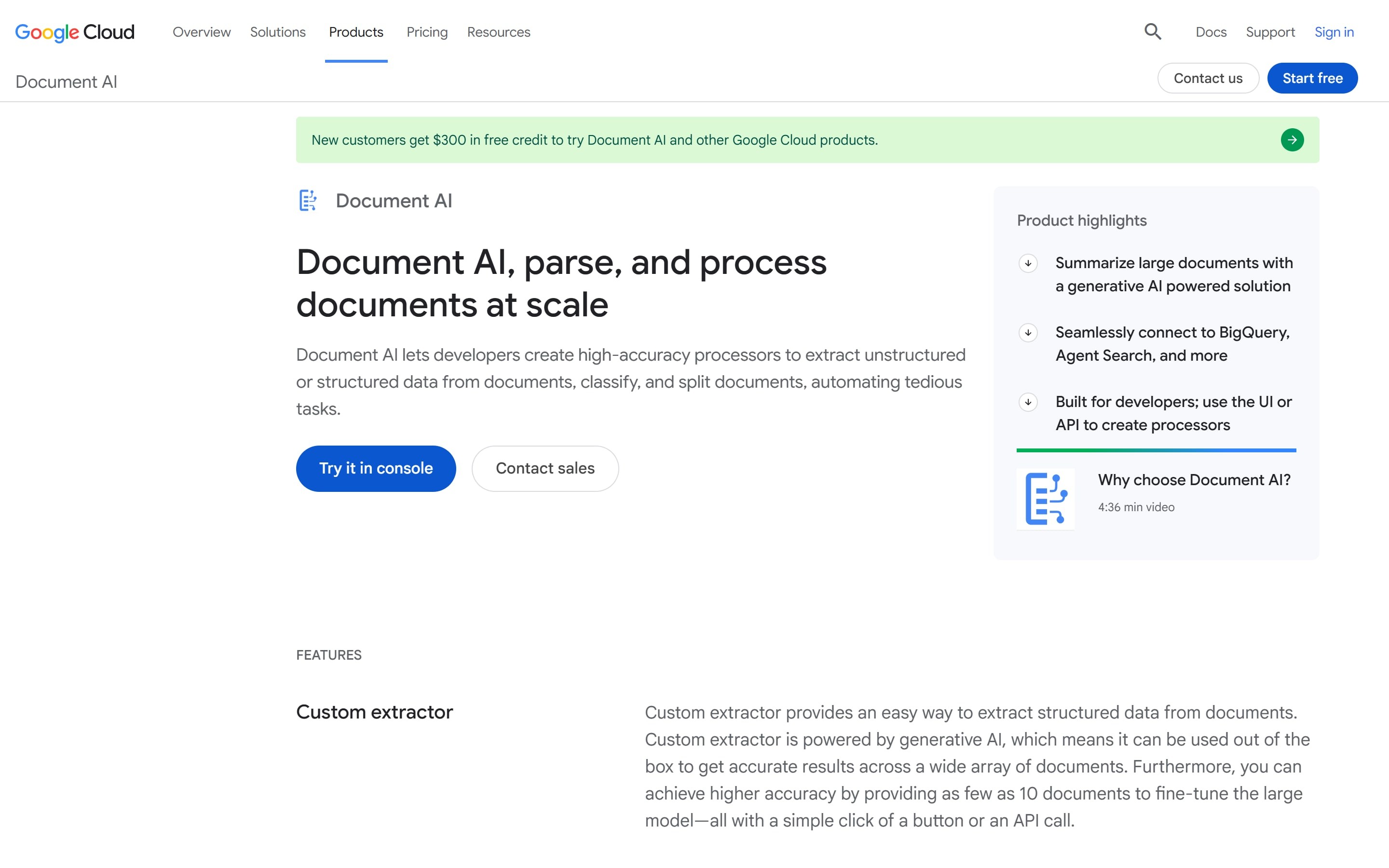
Google Document AI is a document understanding platform that turns unstructured data from documents into structured data. It lets developers create high-accuracy processors to extract data, classify, and split documents, and it integrates with BigQuery and Vertex AI for teams already building on Google Cloud.
Key Features
- Custom Extractor: The Custom Extractor pulls structured data from documents and is powered by generative AI, so it returns accurate results out of the box across many document types. You can push accuracy higher by fine-tuning the model with as few as 10 sample documents through a click or an API call.
- Pretrained and Splitter Processors: Document AI provides ready-to-use processors for common documents like invoices, receipts, and identity forms, plus a Custom Splitter that breaks composite files into single-class documents.
- BigQuery Integration: Extracted metadata can flow directly into a BigQuery objects table, where it joins with other BigQuery data. That link between parsed document data and structured tables is what powers document analytics at scale within Google Cloud.
Pricing
| Plan | Details |
|---|---|
| Pay-per-page | Document AI uses pay-per-use pricing with no upfront fees. Enterprise Document OCR starts at $1.50 per 1,000 pages, and custom extractor pricing is higher, with volume discounts at scale. |
Where Google Document AI Shines
- Custom extractors need little data: Generative AI means you can fine-tune a processor with as few as 10 documents instead of labeling large training sets.
- It connects to analytics natively: Extracted data lands in BigQuery and joins structured tables, paving the way for document analytics inside Google Cloud.
- Quality is measurable: Precision, recall, and F1 scores for each processor are visible directly in the Google Cloud Console.
Where Google Document AI Falls Short
- Setup assumes Google Cloud fluency: Standing up a production pipeline involves GCP project configuration, service accounts, and SDK work, which is a barrier for non-technical teams.
- Costs climb with volume and processors: Custom extraction prices well above basic OCR, and running multiple deployed processors adds hosting fees on top of per-page charges.
Customer Reviews
Hosam K. complains, “Google Cloud Document AI can be expensive for big projects and requires users who have a solid understanding of the technical aspects of Artificial Intelligence.”
Who Google Document AI Is Best For
- Developers on Google Cloud: Teams that need custom or specialized document processors, want native BigQuery and Vertex AI integration, and have the engineering capacity to build the surrounding pipeline.
7. IBM watsonx.data: Best for a Hybrid Lakehouse Unifying Structured and Unstructured Data
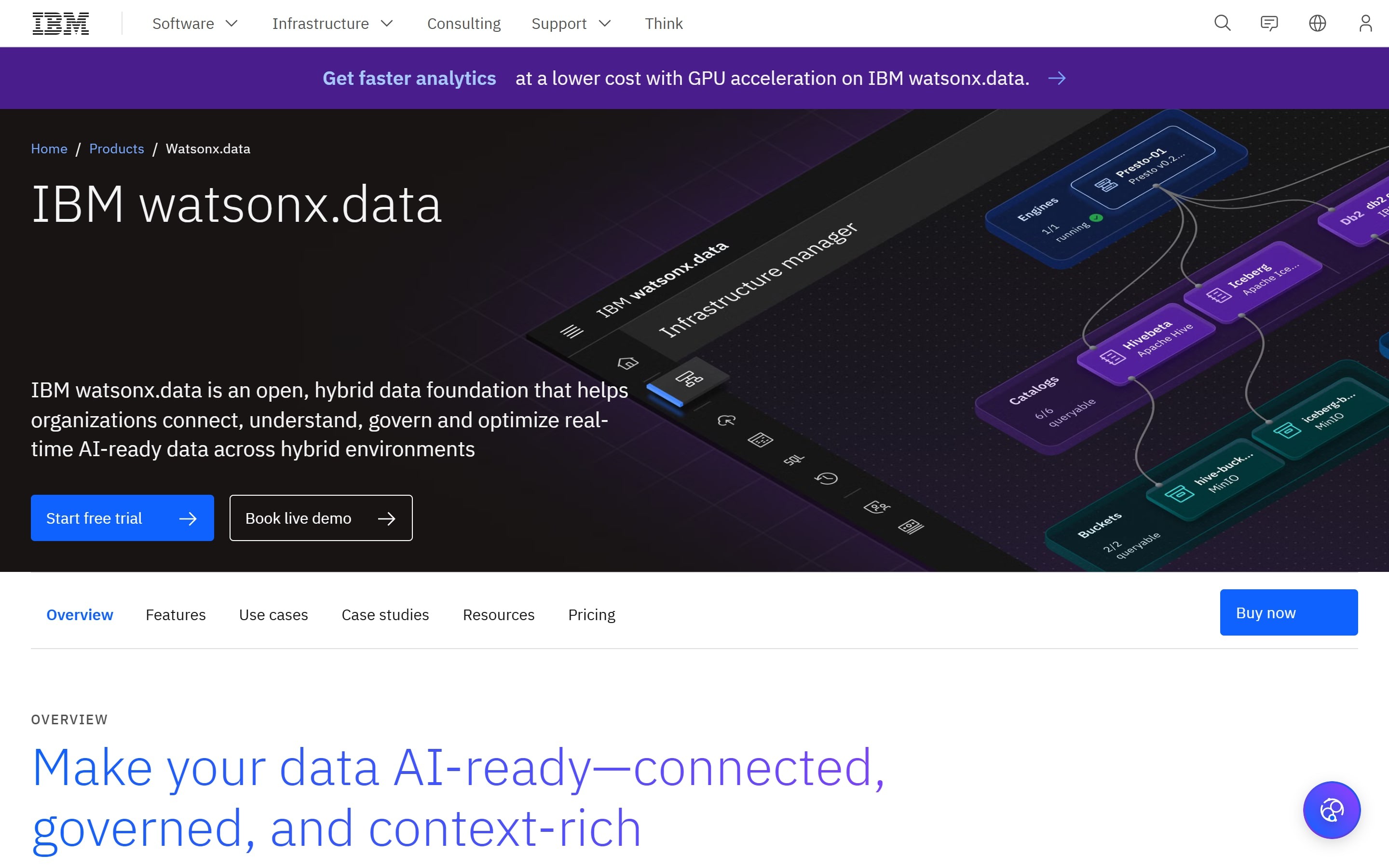
IBM watsonx.data is a hybrid, open data lakehouse that unifies access to structured and unstructured data for AI and business intelligence (BI). Its unstructured data integration capability automates the ingestion, transformation, and preparation of documents and other content, aiming to replace the manual pipelines that traditionally take months to build.
Key Features
- Unstructured Data Integration: The platform lets users build pipelines that ingest, transform, and process documents, PDFs, presentations, and more through a low-code visual canvas. Prebuilt operators handle cleaning, normalizing, and preparing content, with a Python SDK available for teams that prefer to work programmatically.
- Multi-Engine Architecture: watsonx.data runs each workload on a fit-for-purpose engine, including Presto for interactive SQL and BI, Spark for large-scale data processing, and OpenSearch for vector and keyword search.
- Embedded Governance and Enrichment: Prebuilt operators cover PII masking, quality filtering, and language detection, and the platform generates vectorized embeddings and structured derivatives from documents. Access controls inherited from source systems carry through the pipeline, preserving document-level permissions.
Pricing
| Plan | Details |
|---|---|
| SaaS or self-managed | watsonx.data is available as fully managed SaaS or self-managed software, with deployment and pricing options designed for enterprise environments. Contact IBM for a quote. |
Where IBM watsonx.data Shines
- It unifies structured and unstructured data: One lakehouse connects databases, documents, logs, and images, enabling analytics and AI across both without separate systems.
- Engine choice helps control cost: Matching workloads to Presto, Spark, or OpenSearch lets teams avoid overprovisioning as data volume grows.
- Governance is built in: PII handling, access controls, and lineage are part of the pipeline rather than bolted on afterward.
Where IBM watsonx.data Falls Short
- It’s an enterprise platform: The breadth that makes watsonx.data powerful also makes it a larger commitment than a single-purpose extraction tool.
- General-purpose preparation: The platform readies unstructured data broadly for AI and analytics, without the domain-specific validation a regulated workflow may need.
Customer Reviews
Anchal P. praises, “What I like most about IBM watsonx.data is its ability to unify data from multiple sources without complex migrations or duplication, which saves time and reduces storage costs.”
Arkajit D. warns, “One challenge with IBM watsonx.data is that the platform can feel quite complex during the initial onboarding phase, especially for teams that are newer to lakehouse architectures or hybrid data environments.”
Who IBM watsonx.data Is Best For
- Enterprise data teams: Organizations that want a single governed lakehouse to unify structured and unstructured data across hybrid and multi-cloud environments for both BI and generative AI.
How to Choose the Right Unstructured Data Analytics Tool
The right tool depends on what you’re trying to do with your unstructured data, where it lives, and how much risk you can carry. A few questions separate the options quickly.
Do You Need to Analyze Data or Validate It Before It Causes Problems?
Most tools in this list are built to analyze unstructured data once it’s in your environment, i.e., parse it, extract it, search it, and summarize it. That’s the right job when the goal is insight from documents you already hold.
But in some workflows, the costliest problem isn’t analysis; it’s a bad piece of data entering your systems in the first place. In a clinical lab, a mismatched physician identifier or a missing insurance field often shows up as a denied claim weeks later, after the filing window has closed. That’s where validation at intake matters more than analysis after the fact.
This is the gap Onymos fills. SmartSync reconciles extracted values against connected systems and supporting documents the moment a document arrives, flagging conflicts before they reach billing or compliance.
→ See how Onymos catches data errors before they reach your systems
Where Does Your Data Live, and Can It Leave Your Environment?
If your unstructured data is general business content, a platform that processes it in the cloud works well. The cloud-native and lakehouse options here, Databricks, Snowflake, AWS, Google Cloud, and IBM, all process data inside their own environments with governance controls, which suits most enterprise workloads.
In regulated environments, when documents contain PHI or other sensitive records, every system that touches that data becomes part of your compliance scope. Reducing the number of places data travels reduces risk directly.
Onymos takes this to its logical end with No-Data Architecture. It never accesses, captures, or stores your data, so PHI stays inside your own infrastructure.
How Much Engineering Capacity Do You Have?
Several of these tools are powerful precisely because they’re flexible, and that flexibility assumes a capable team. Databricks, Elastic, Amazon Textract, and Google Document AI all expect you to build and operate the pipeline around them. If you have data engineers, that’s an advantage, but if you don’t, it’s a barrier.
Tools that lead with SQL, like Snowflake, lower that bar for analysts. Purpose-built tools narrow the scope even more. Onymos handles the entire lab intake-to-validation workflow as a managed layer, with logic already built for the document types labs process daily, so a lab doesn’t have to assemble extraction, reconciliation, and compliance from parts.
→ Talk to the Onymos team about automating your lab’s document intake
Final Word on Onymos
The best unstructured data analytics tool is the one that solves the problem your team has. For most enterprises analyzing documents, images, and audio at scale, the platforms above, Databricks, Snowflake, Elastic, AWS, Google Cloud, and IBM, are the right place to look, each strong in its own lane.
But if you run a clinical or diagnostic lab, the most expensive unstructured data problem starts before analysis even begins, in the incomplete requisitions and mismatched fields that turn into denied claims and compliance gaps.
Onymos was built for exactly that. It validates document data at intake, keeps every record inside your own environment, and strengthens compliance without asking you to replace the systems you already run.
→ See how Onymos validates lab data before it reaches your systems
External sources
Healthcare Data Breach Statistics G2 review: Onymos G2 review: Databricks G2 review: Snowflake G2 review: Elastic Stack G2 review: Amazon Textract G2 review: Google Cloud Document Ai G2 review: Ibm Watsonx Data